Square resume editor, zero clutter
Upload your CV, clean up each section, approve AI edits, and export without a complicated workspace.
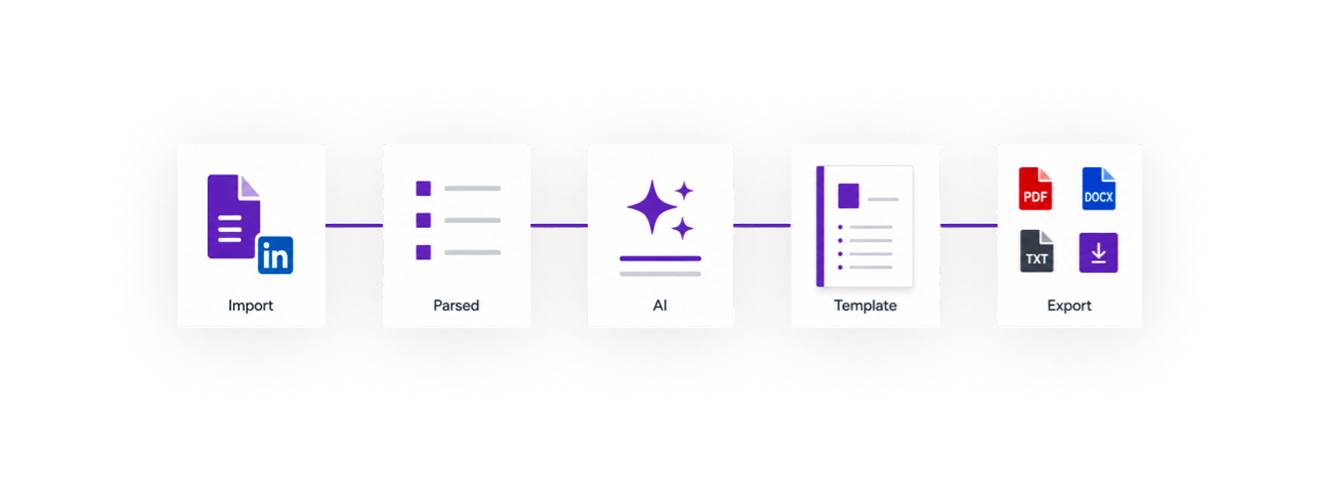
Choose an ATS-compliant template, import or add details, approve helpful edits, then export a clean resume and cover letter.


Used by early Jobapply.io users
30 resume templates
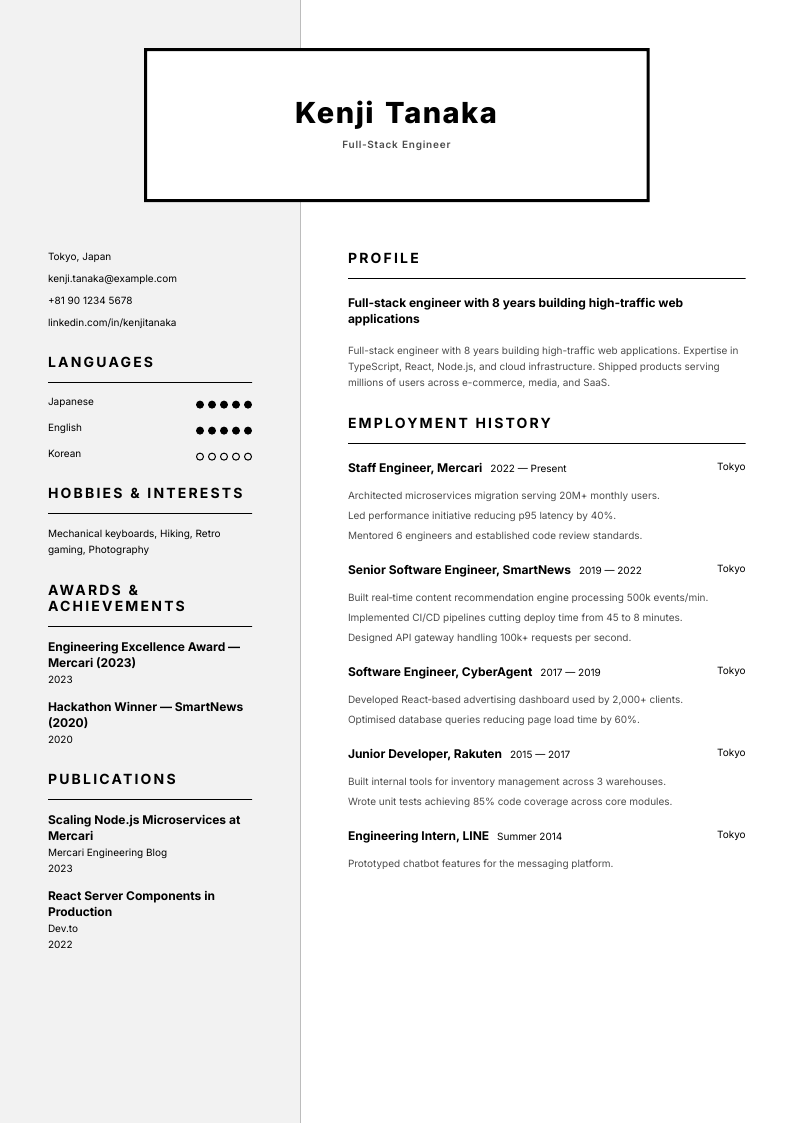
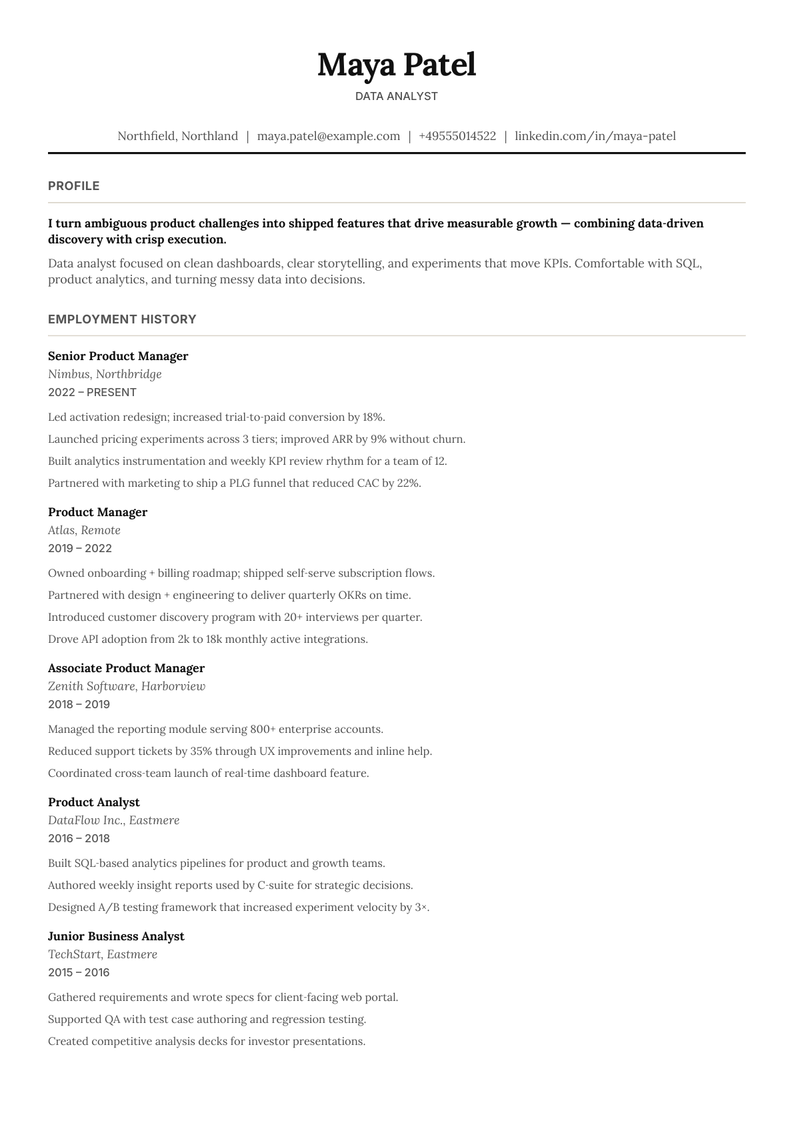
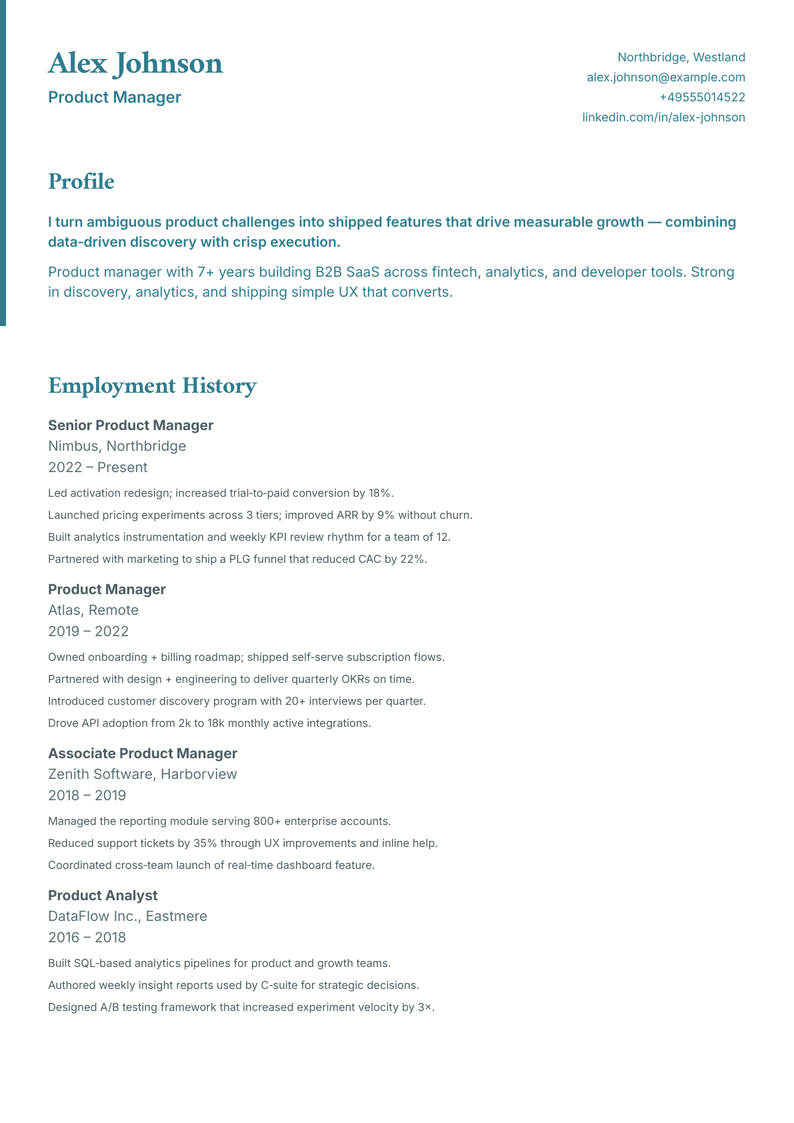
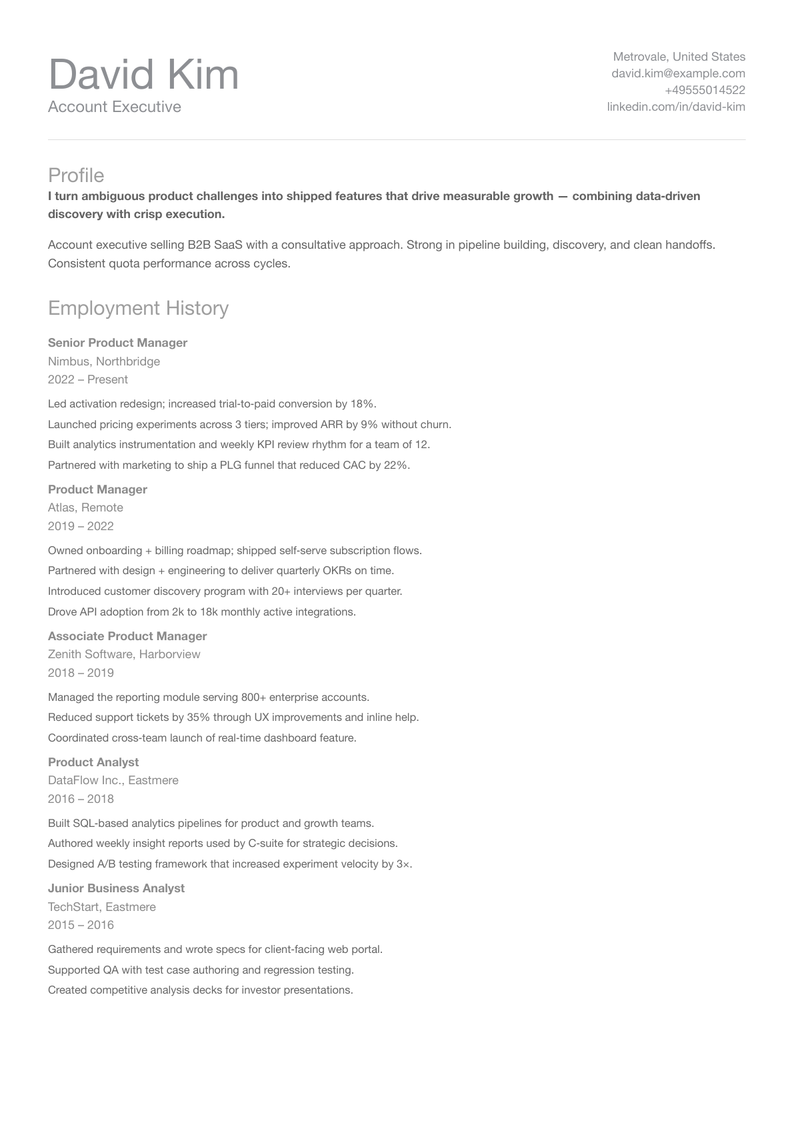
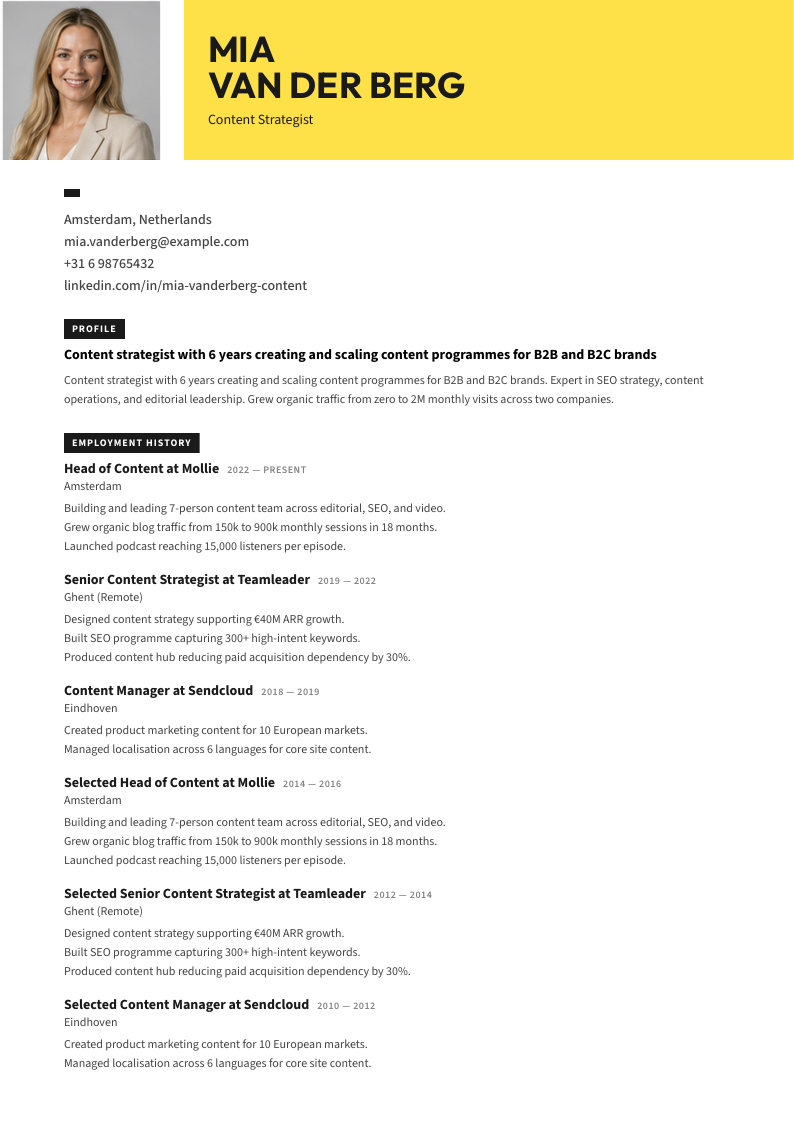
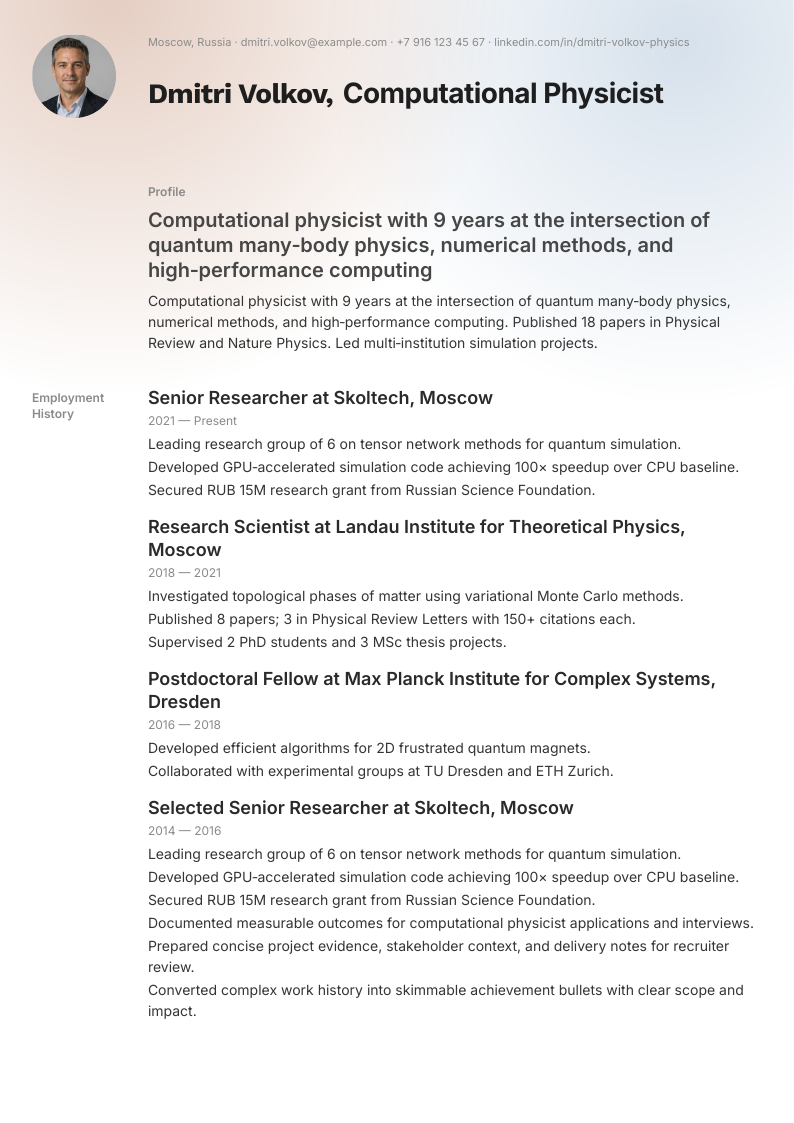
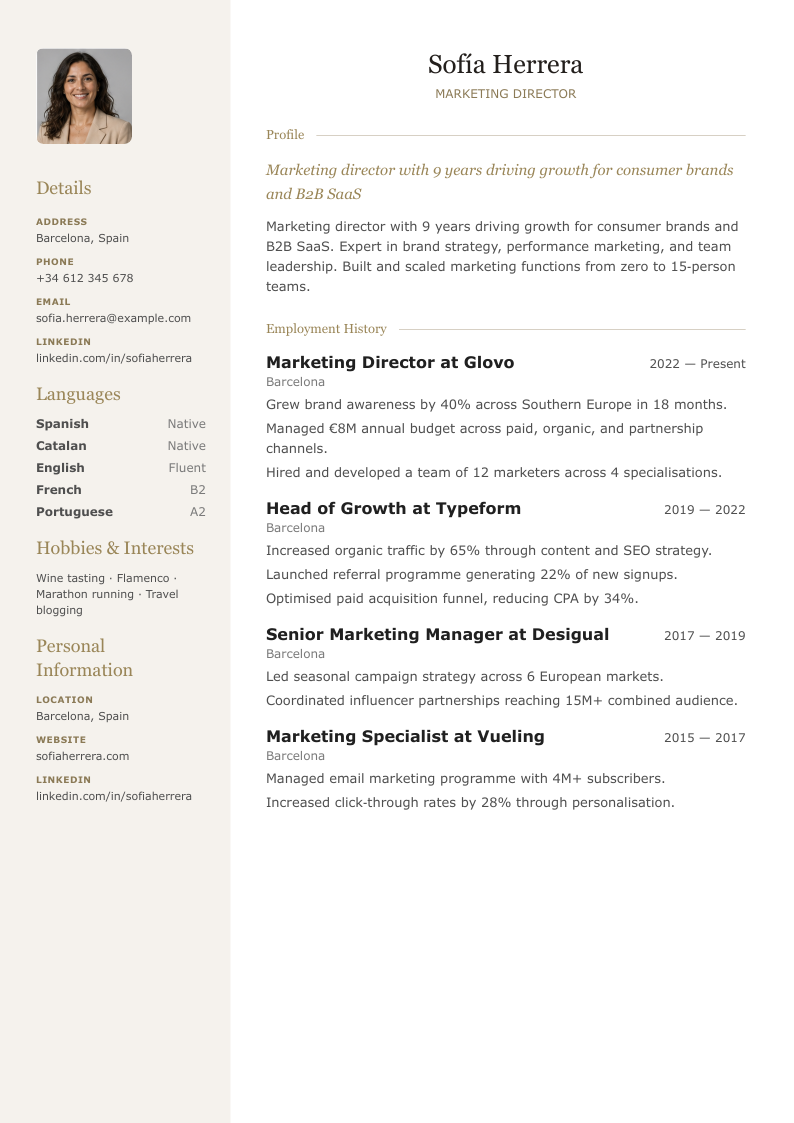
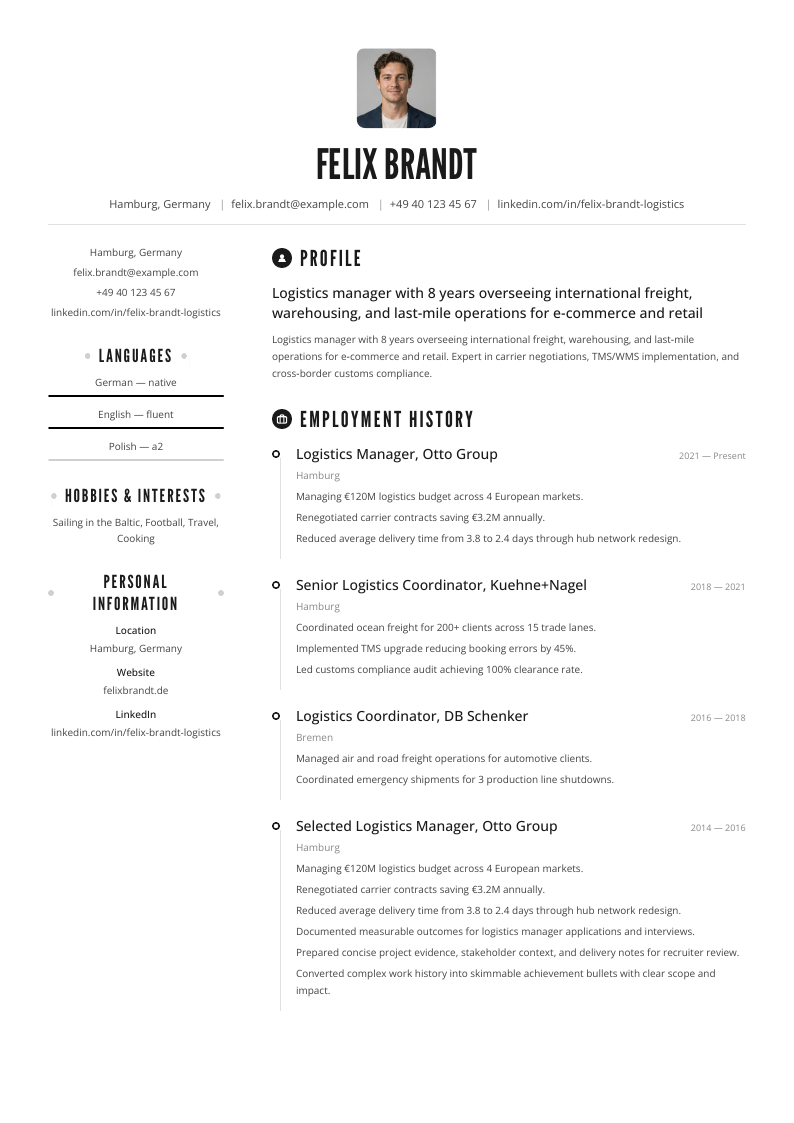
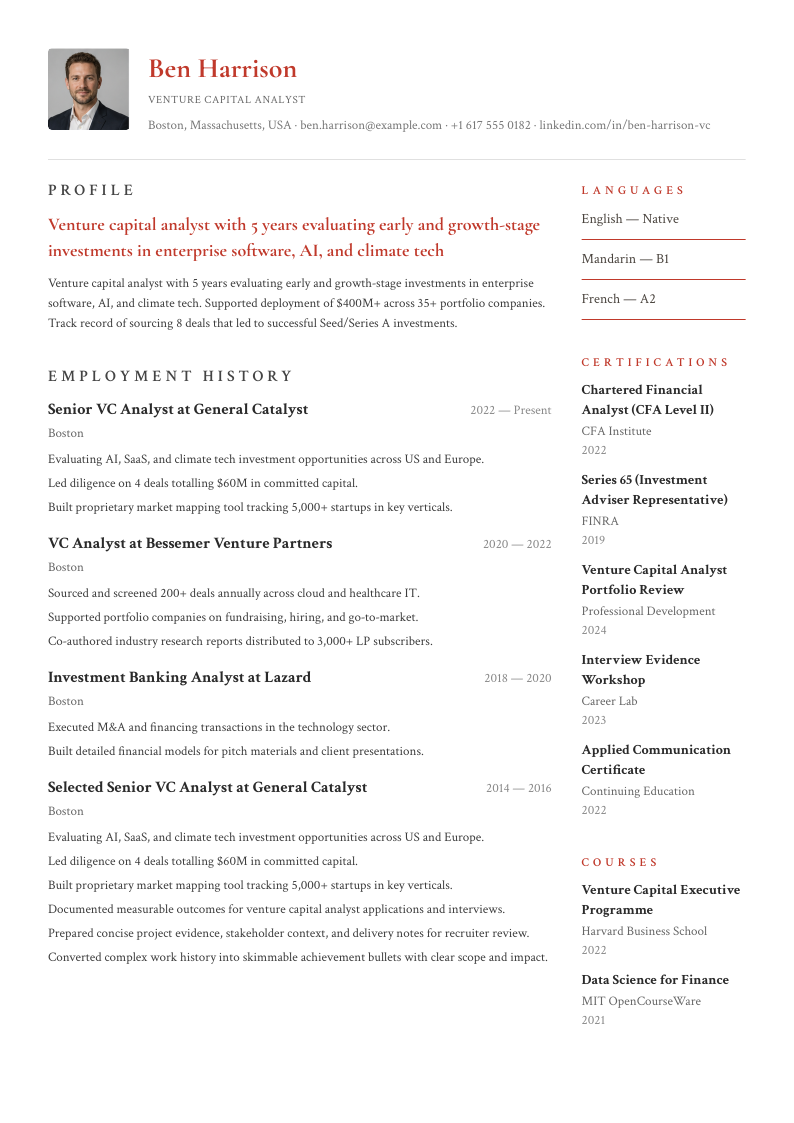
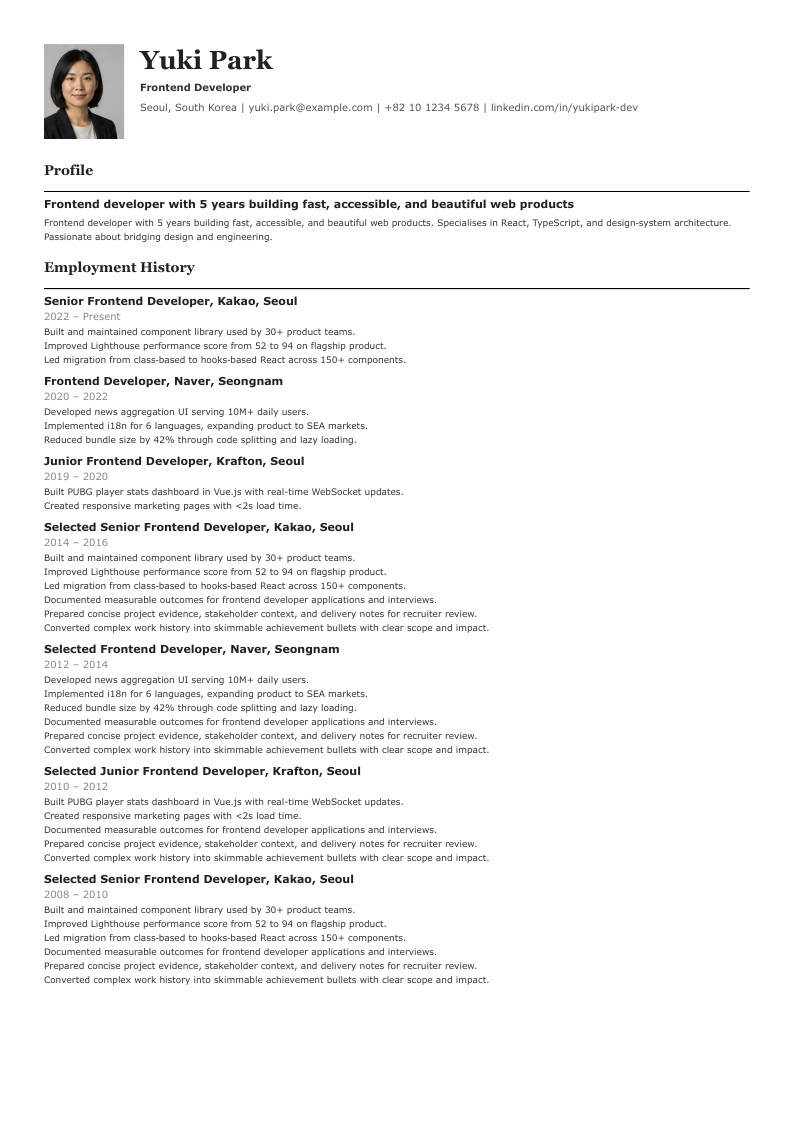
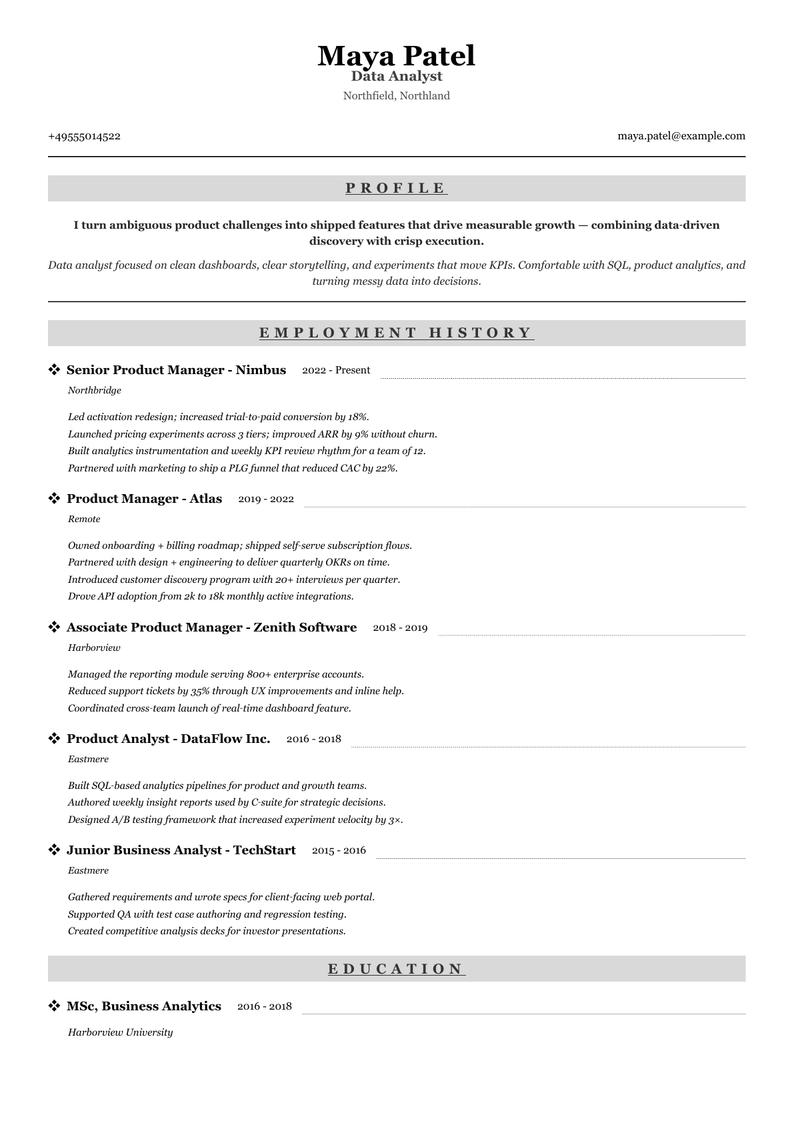
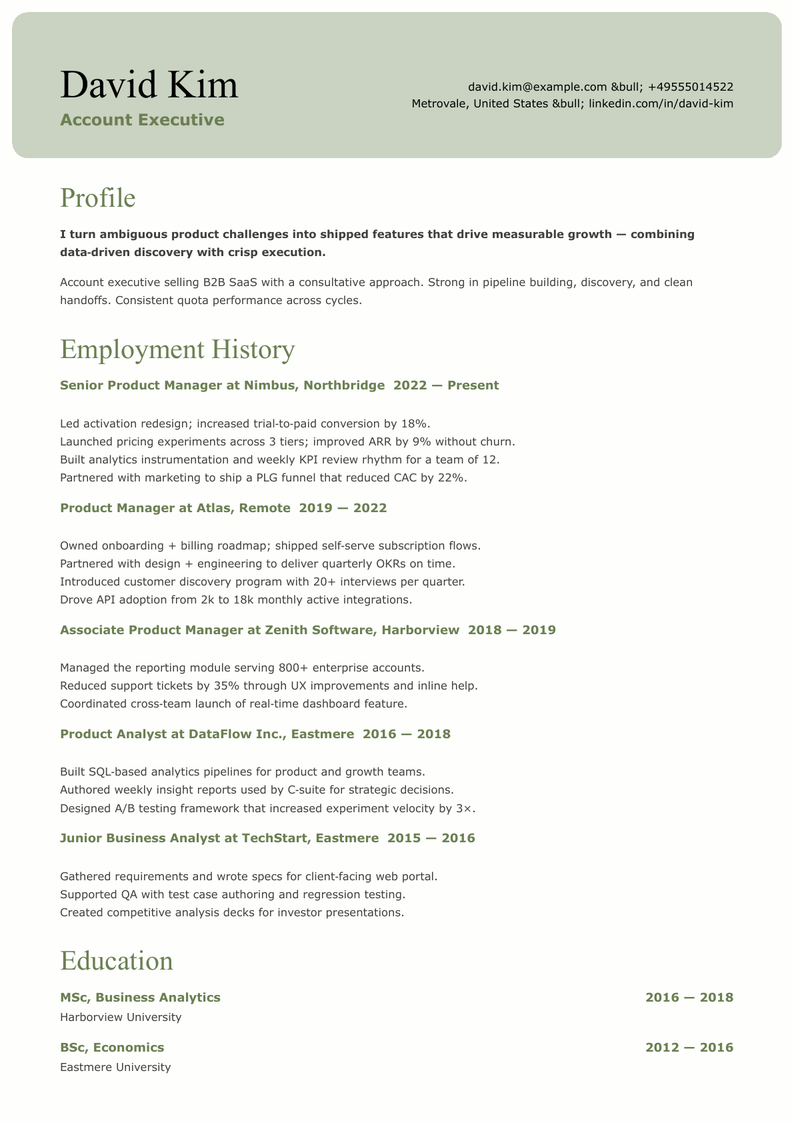
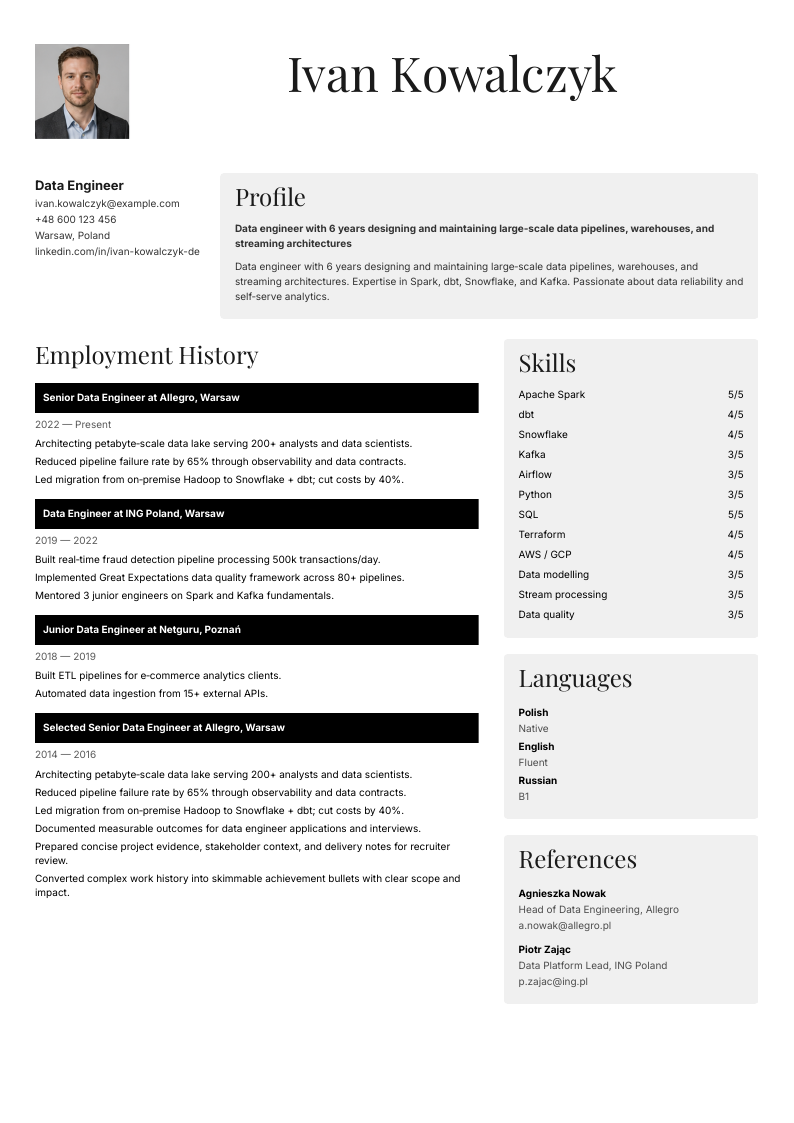
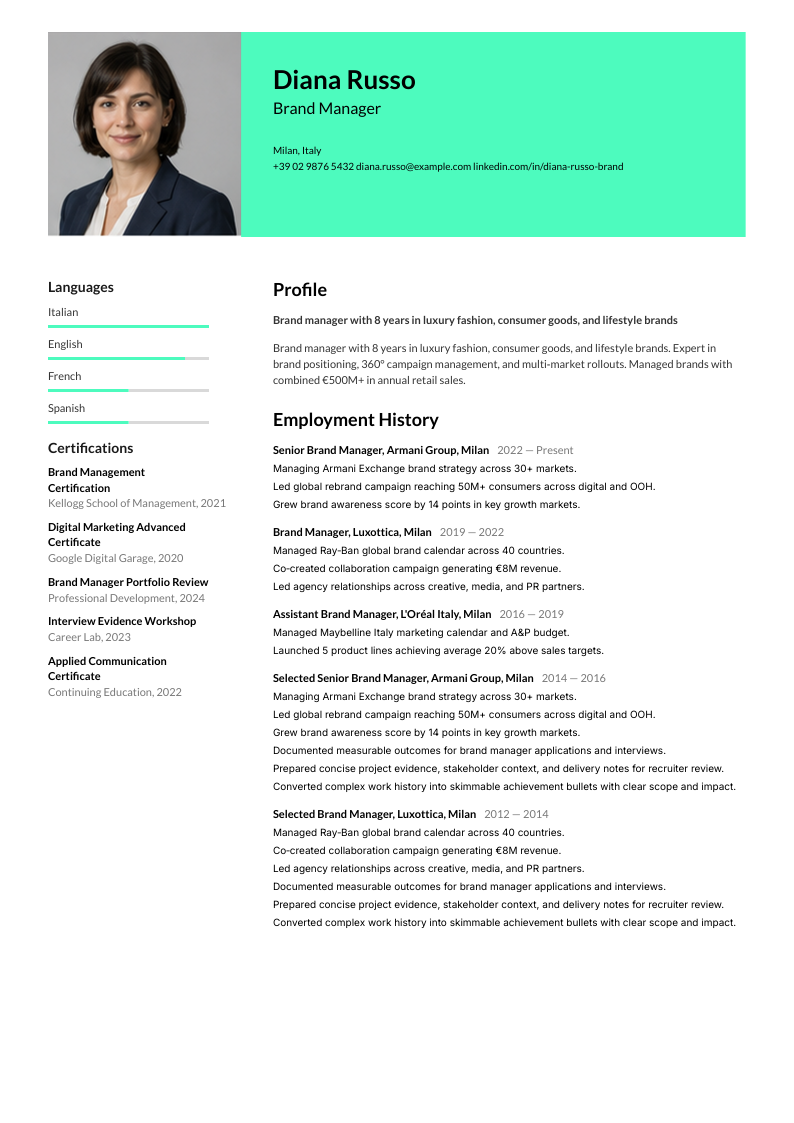
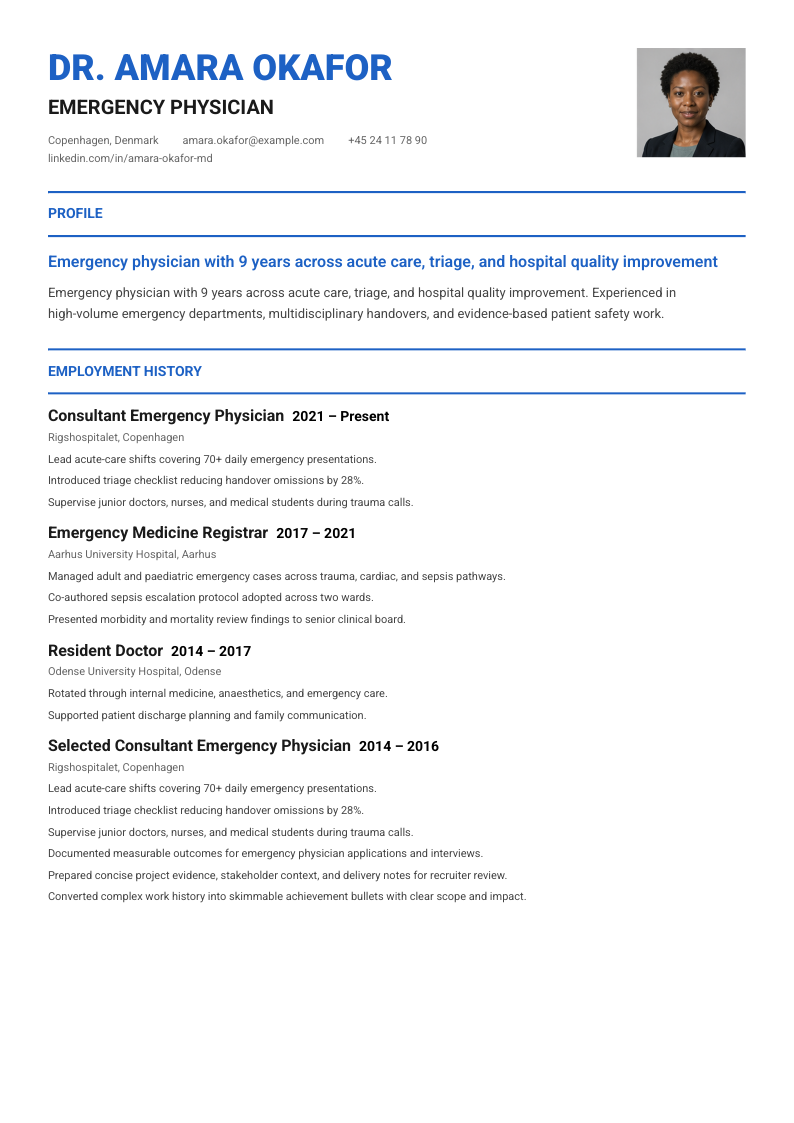
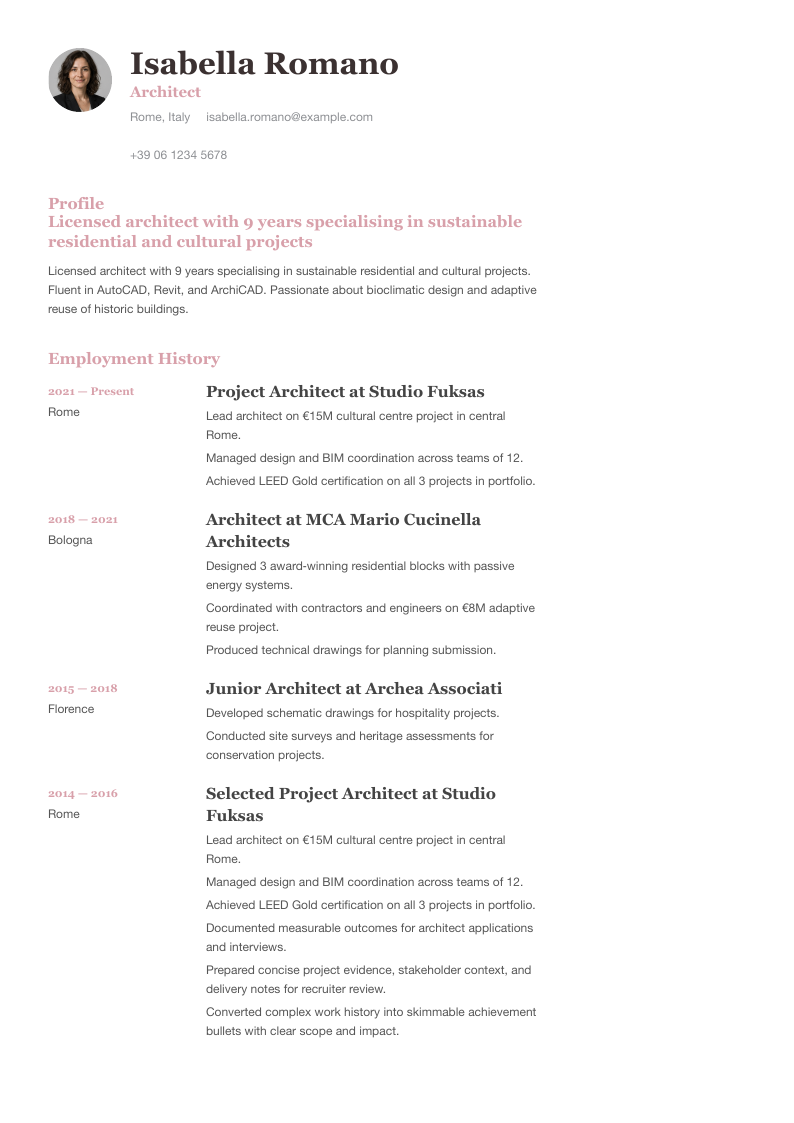
Choose from professional layouts with real A4 previews.
ATS-friendly templates
Clean headings and text-based structure help hiring systems read the resume correctly.
AI suggestions you control
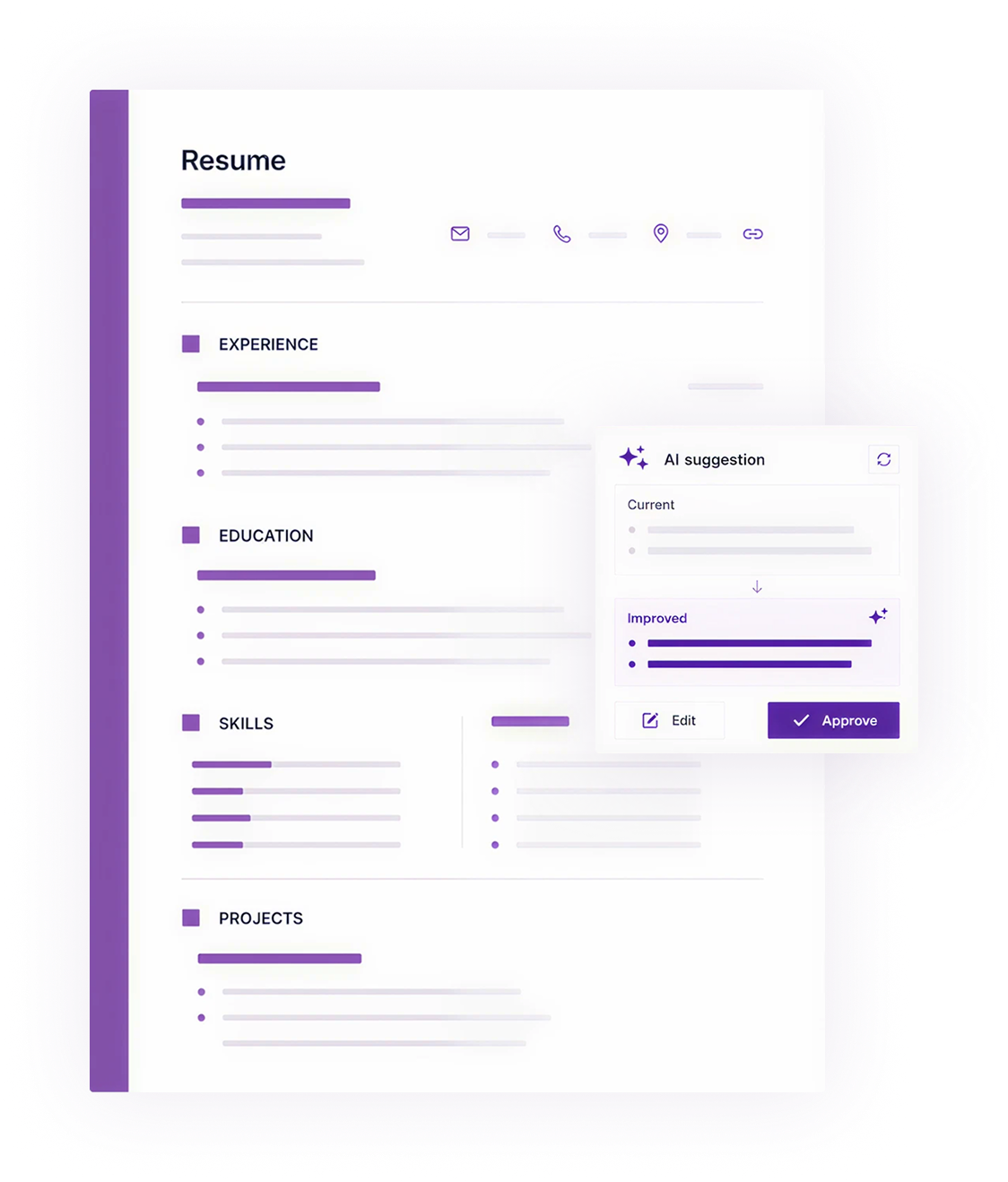
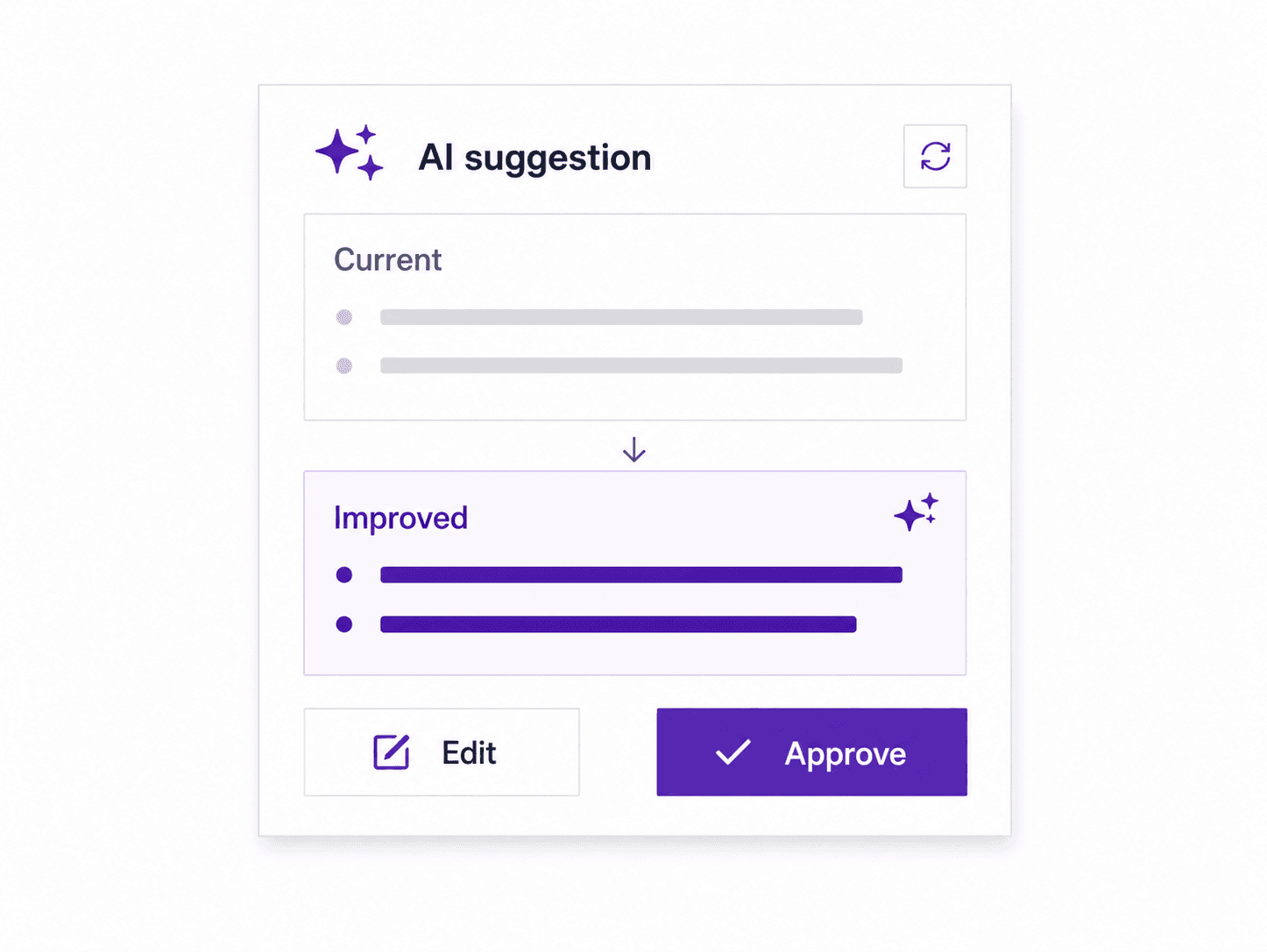
Rewrite summaries, bullets, and education text, then approve or edit before anything changes.
Job-description suggestions
Paste a role description and review suggestions before applying them.
Export-ready files
Download PDF, DOCX, or TXT when your resume and cover letter are ready.
Start from an existing CV, clean up sections, approve AI edits, then export clean files.
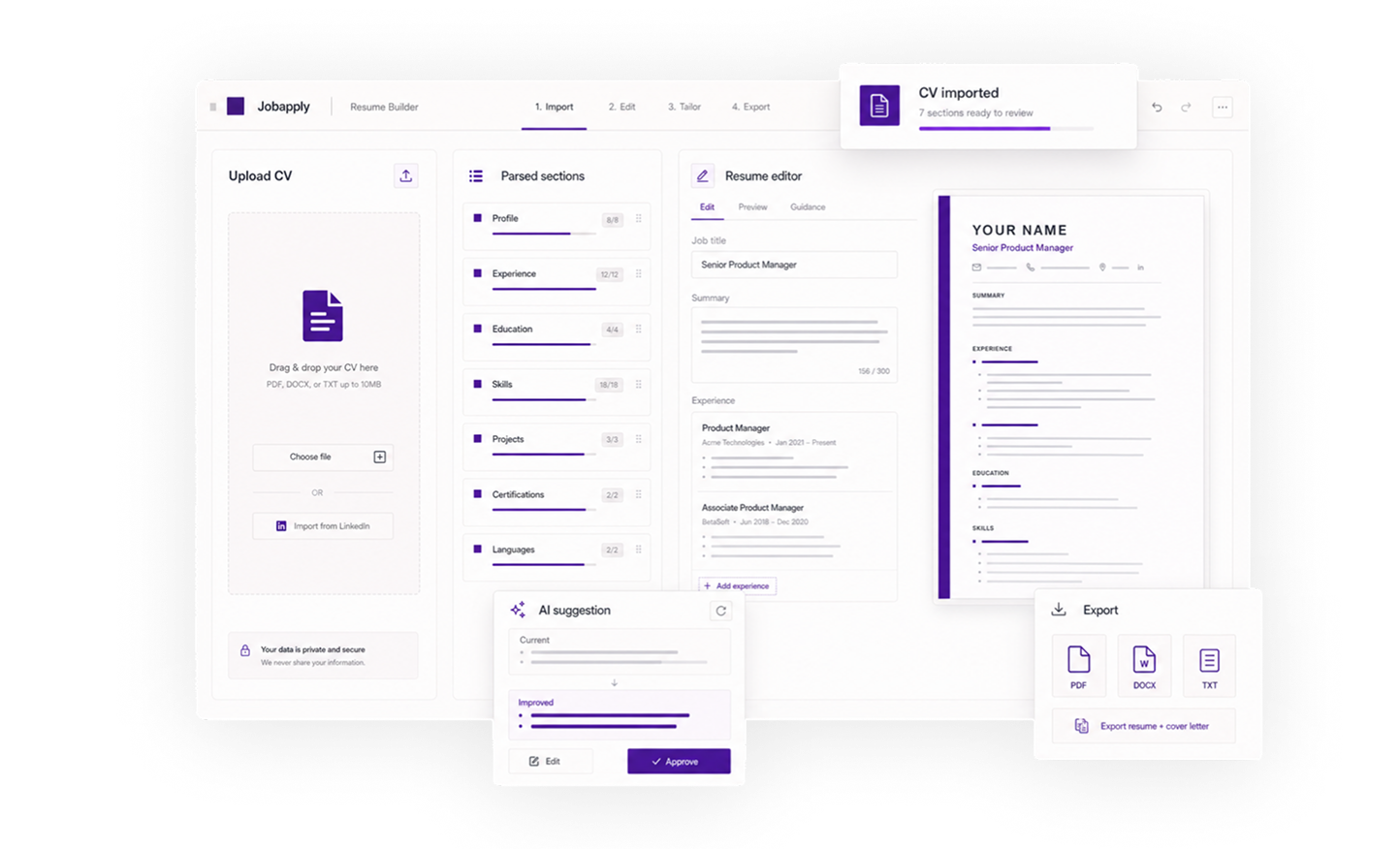
Upload your CV, clean up each section, approve AI edits, and export without a complicated workspace.
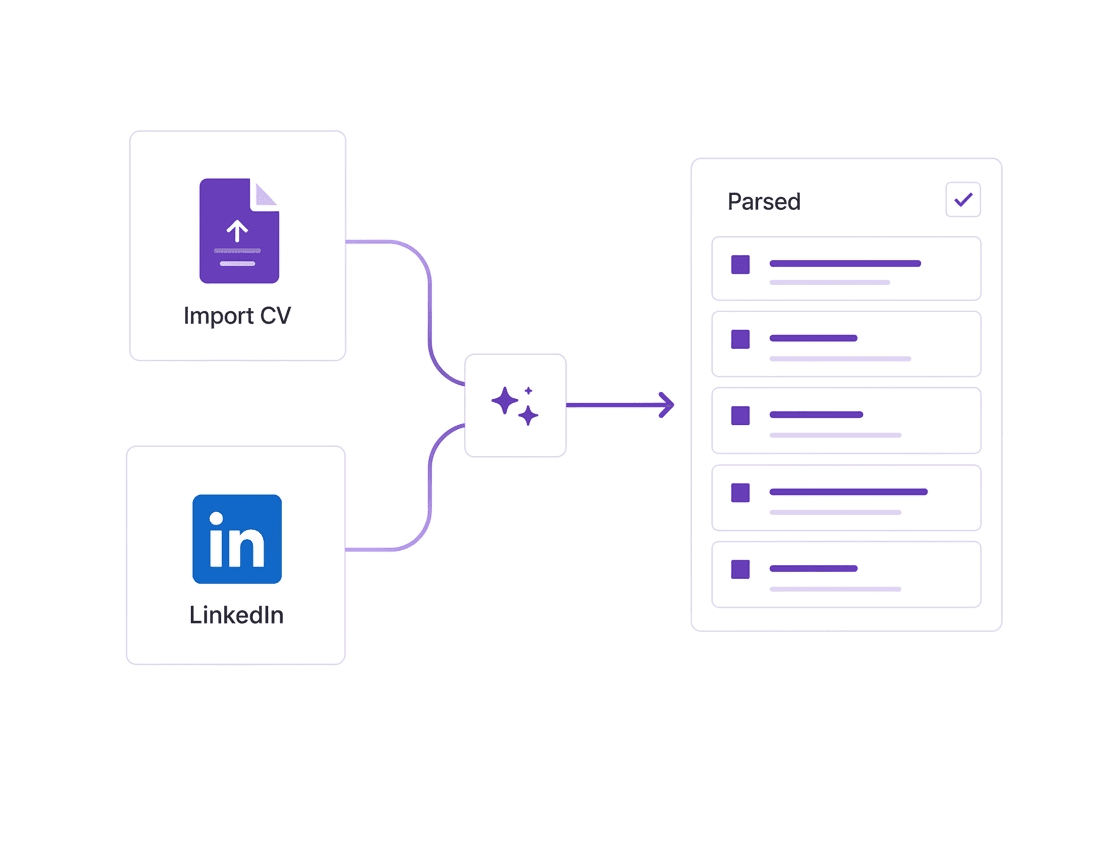
Start with an existing PDF, DOCX, or TXT and review imported sections.
Fill in personal details, experience, education, skills, and optional sections.
Review job-description suggestions before applying them to your resume.


Download resume and cover letter files as PDF, DOCX, or TXT.




Start editing right away
Choose a template, import or add details, and keep editing without an activation gate.
Choose a clean starting point, then tailor the structure, tone, and content for each role.
Black-and-white right sidebar.
Formal serif headings with elegant centered layout.
Amiri serif titles with teal accent bar, designed for academic CVs.
Swiss-minimal single-column with Helvetica Neue and grayscale palette.
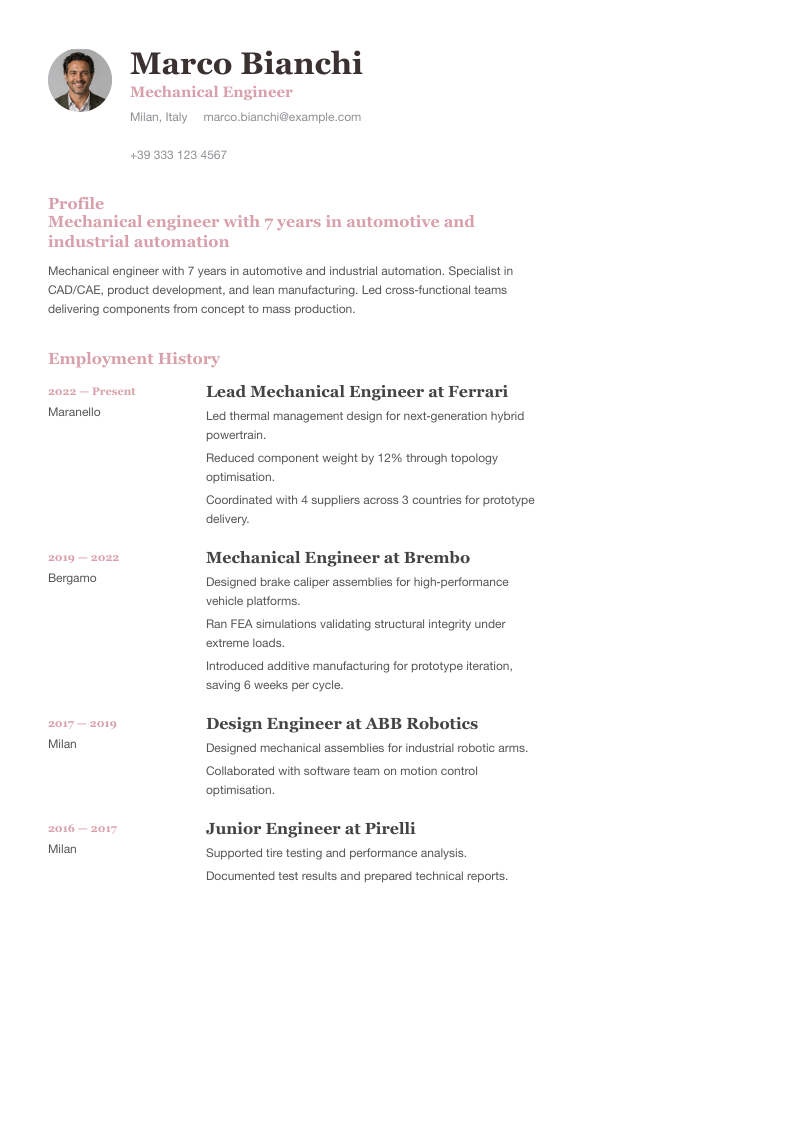
Editorial serif headings with dusty rose accent and right sidebar.
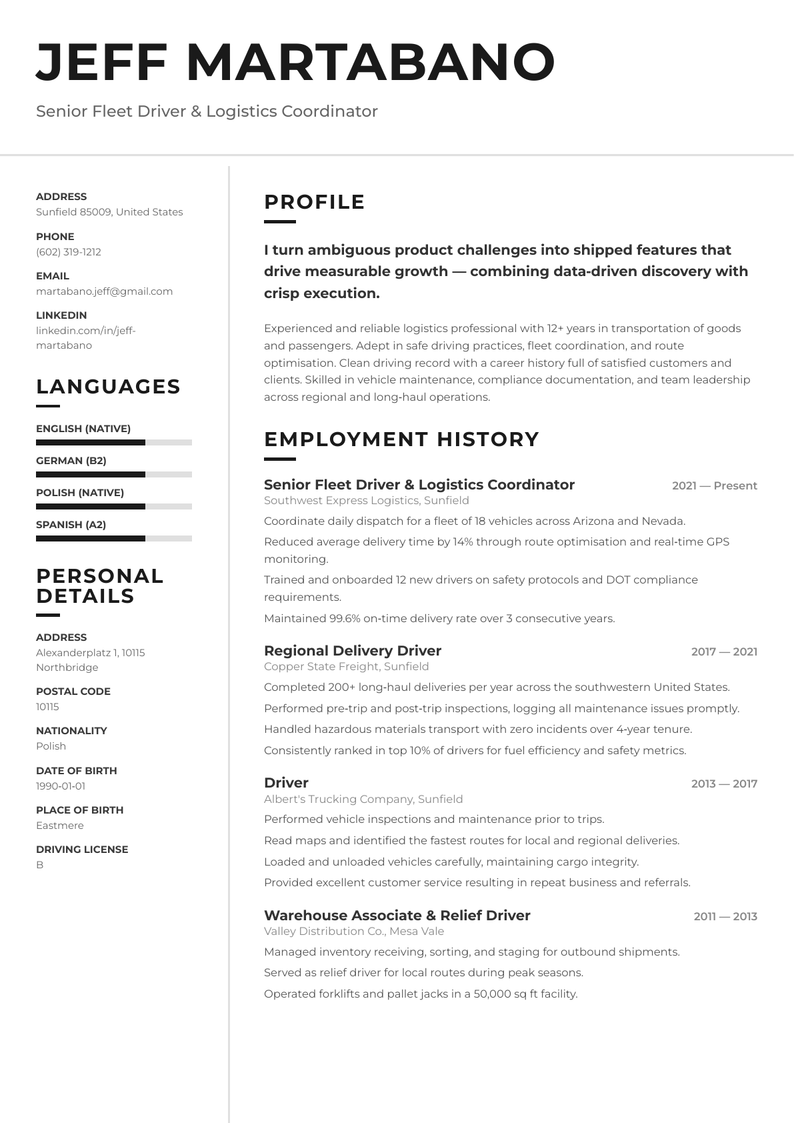
Clean monochrome two-column with left sidebar and Montserrat typography.
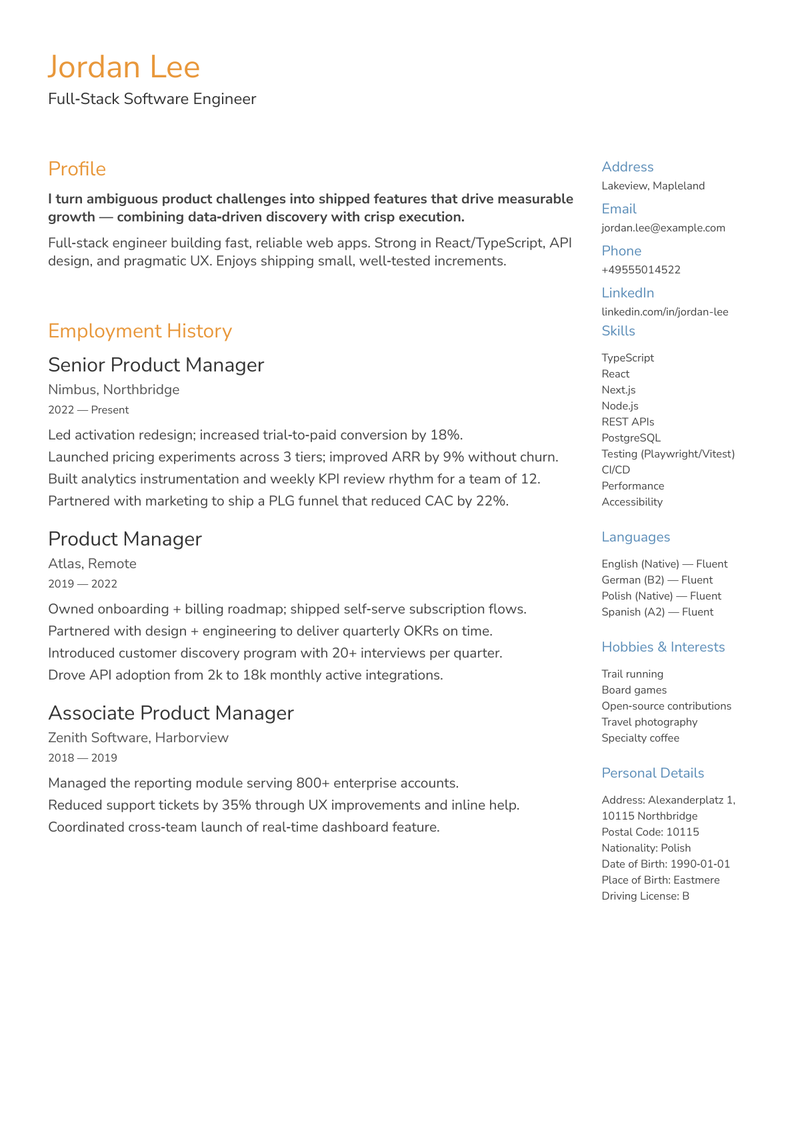
Warm geometric sans-serif with Nunito Sans, orange accent and right sidebar.
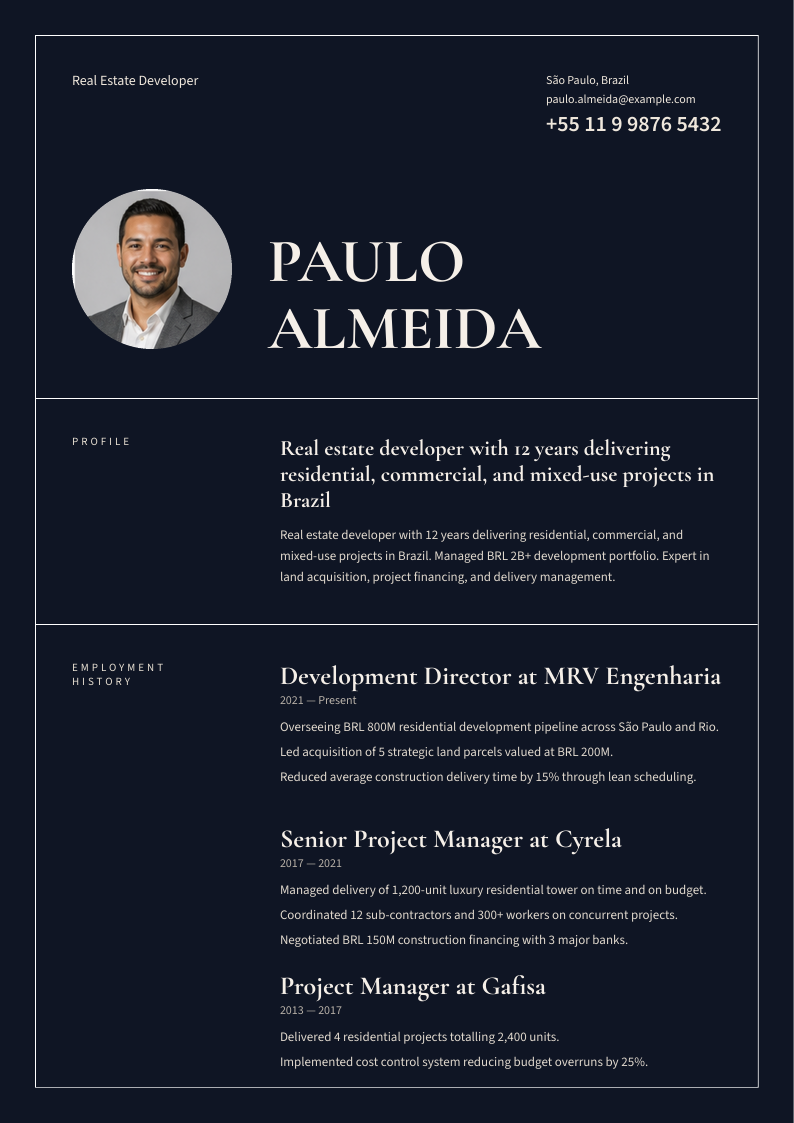
Dark editorial with Cormorant Garamond display, monochrome warm cream on navy.
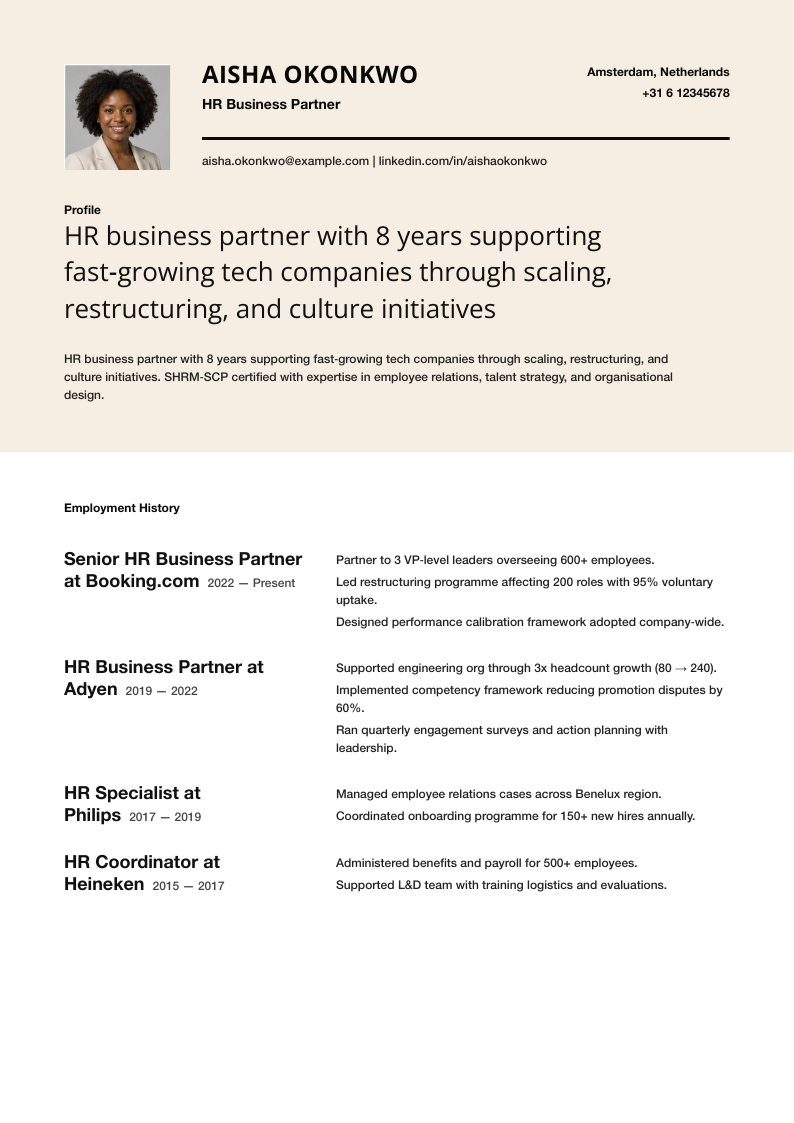
Warm sand header band with Open Sans display, Helvetica Neue body, single-column professional.
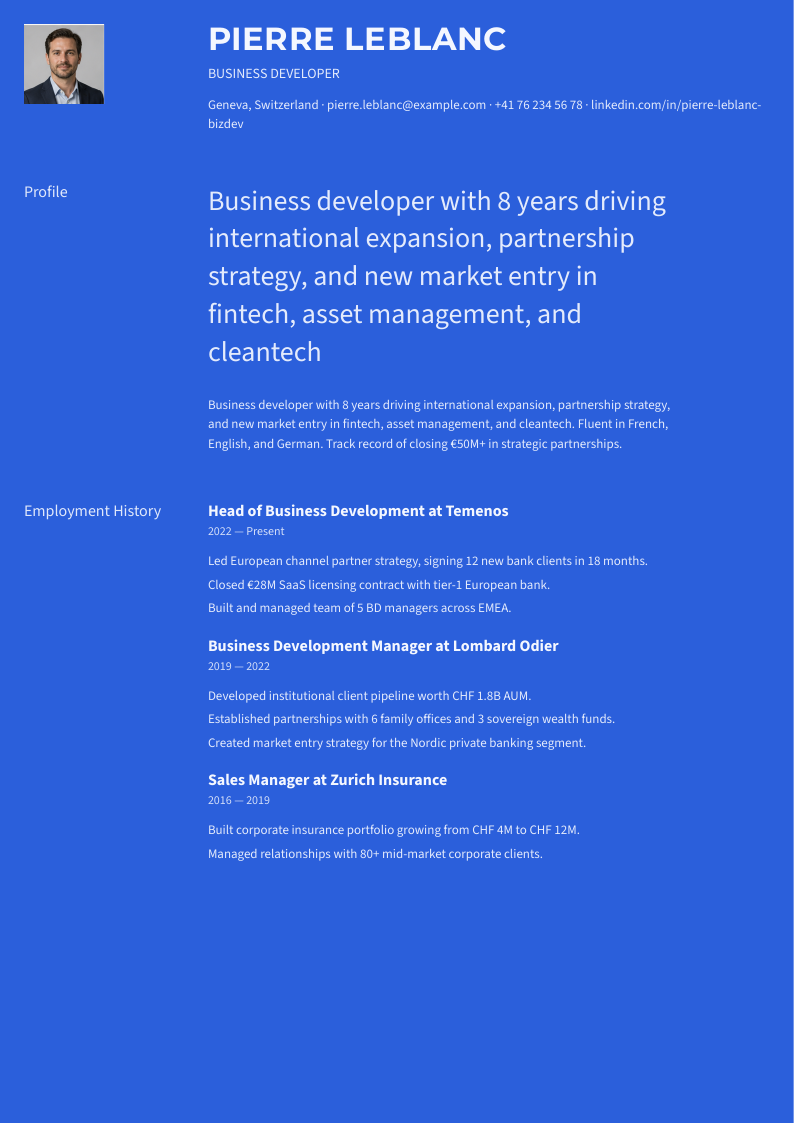
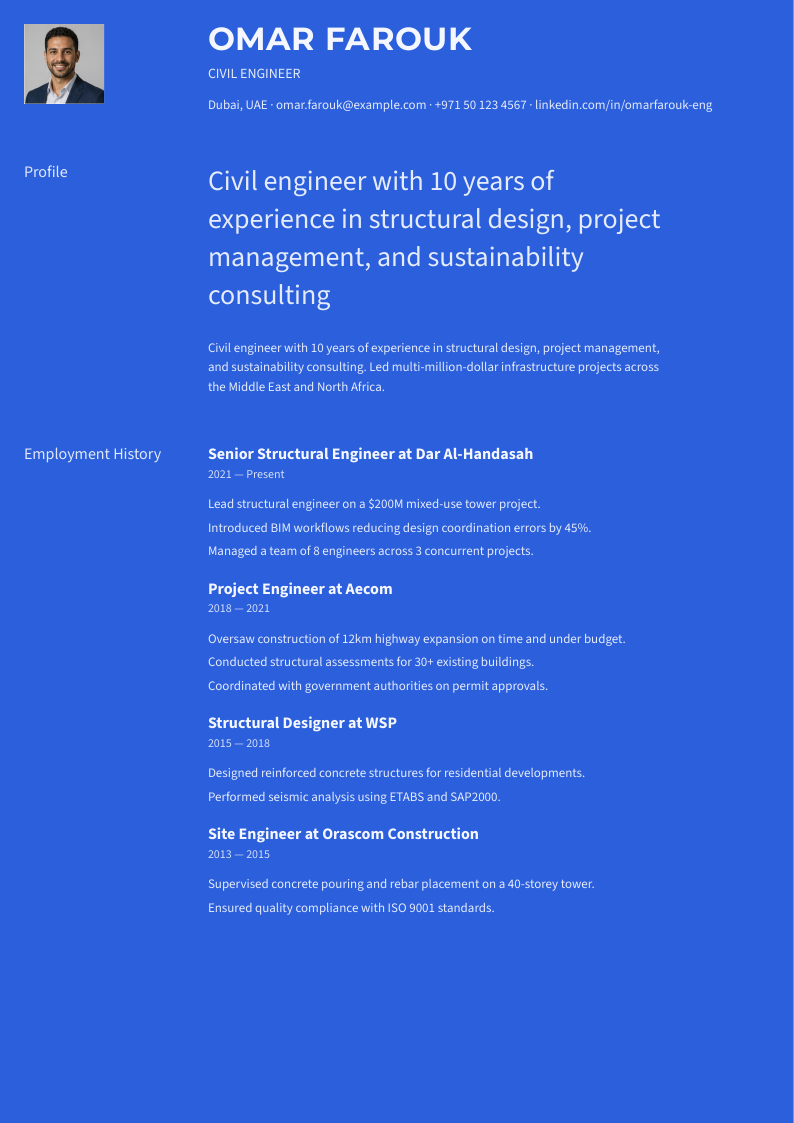
Monochrome blue with left-label layout, Montserrat display and Source Sans 3 body.
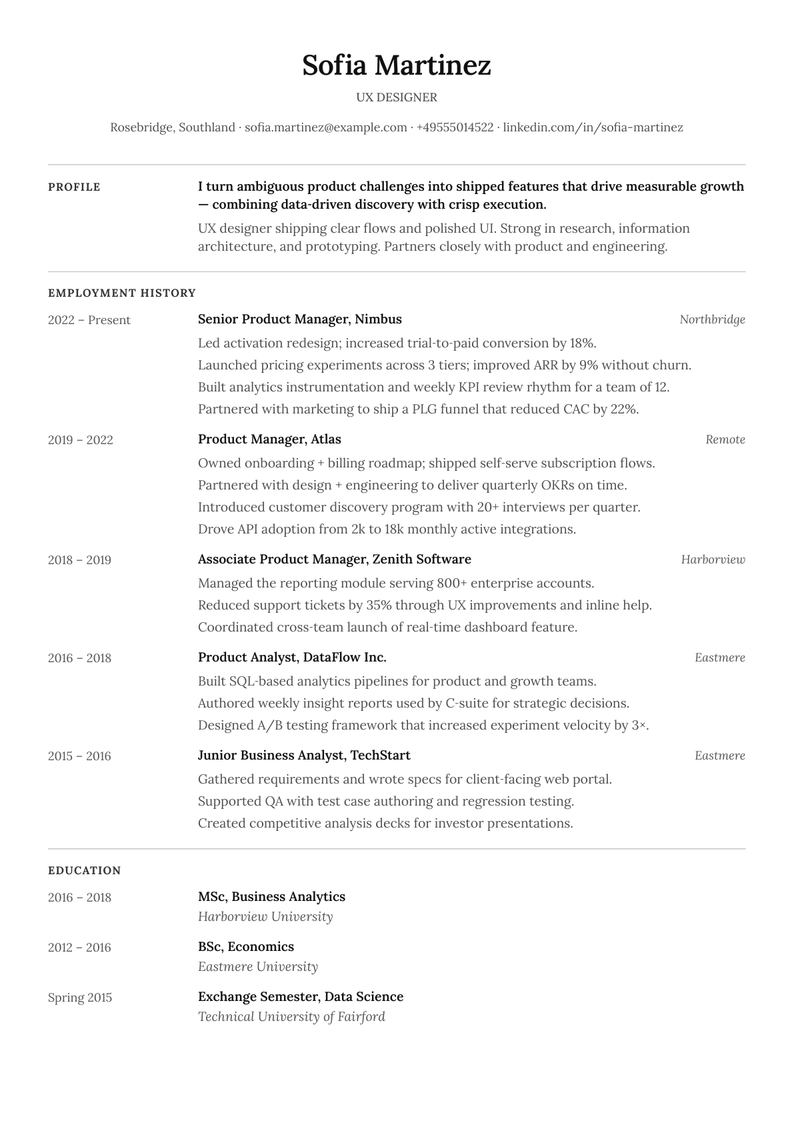
Classic European CV with date-column timeline, Lora serif and Inter sans.
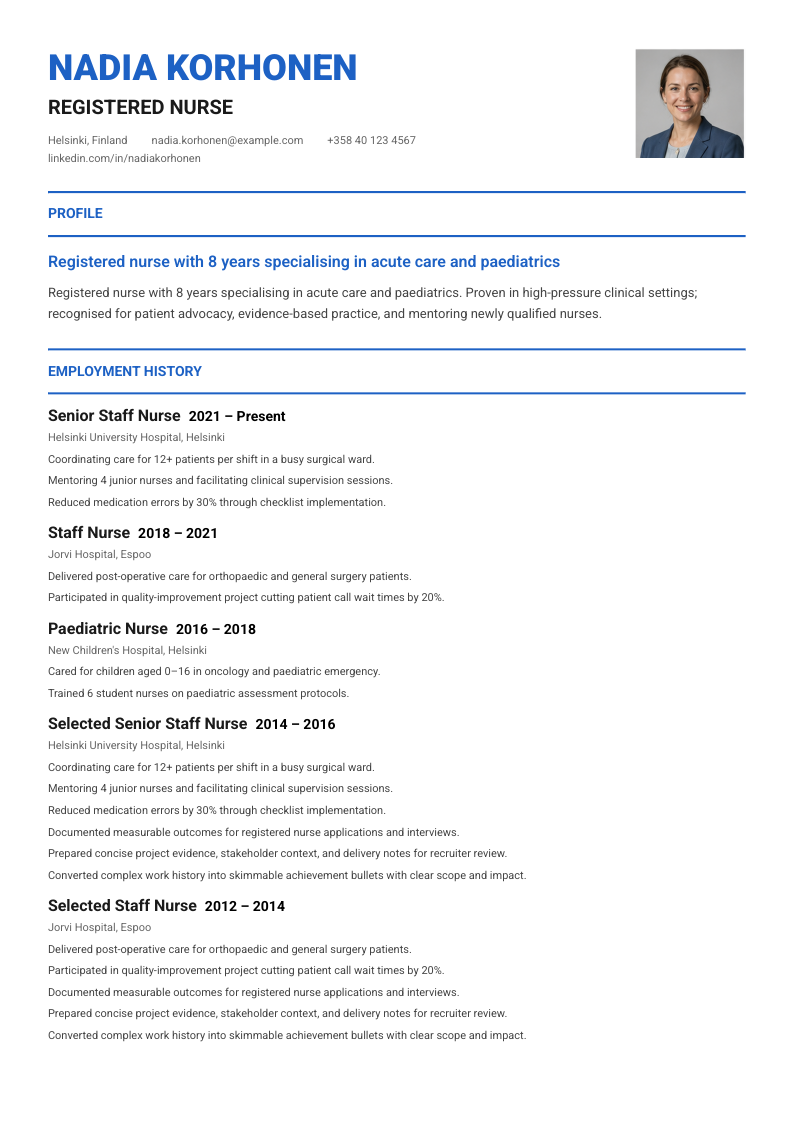
Clean professional single-column with Roboto, blue accent and photo.
Gold header band with Outfit display, Source Sans 3 body, badge section titles and underline skill bars.
Warm gradient header with Work Sans display, Inter body, left-label single-column layout.
Warm cream sidebar with Merriweather serif, Source Sans 3 body, golden accents, dot skill indicators.
Condensed League Gothic headers with Open Sans body, timeline dots, progress-bar skills, and left sidebar.
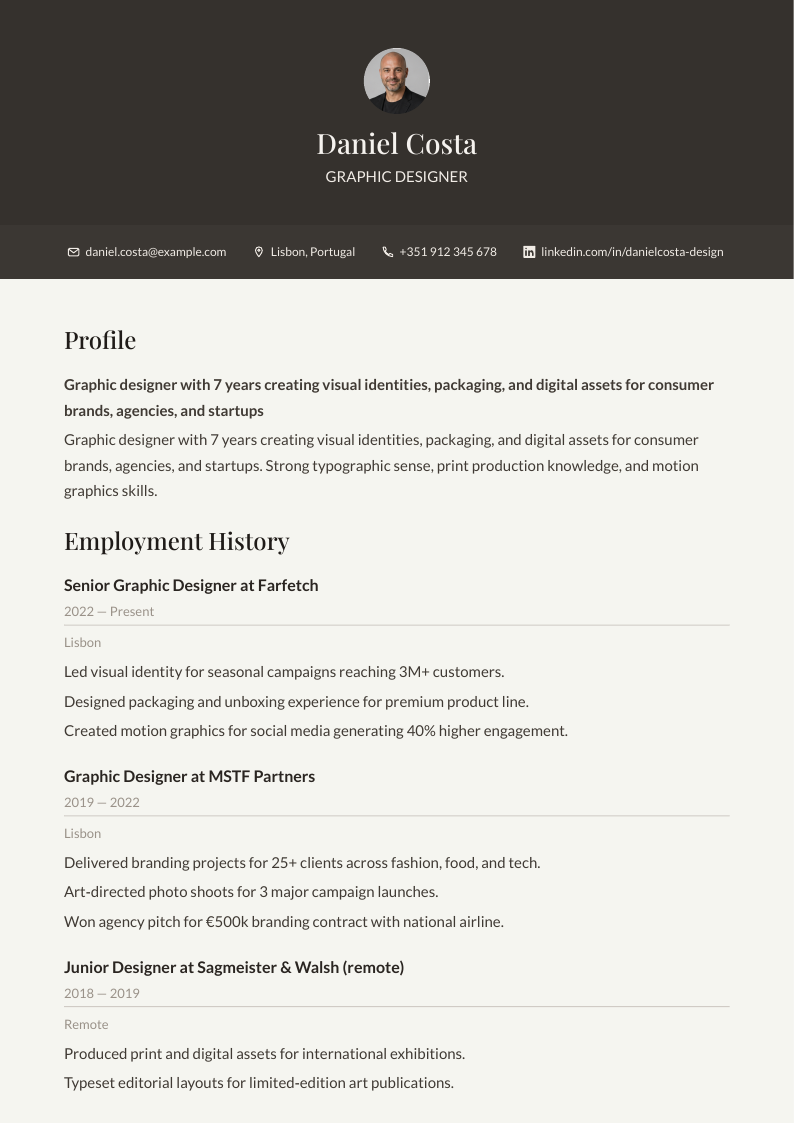
Dark earth-tone header with Playfair Display serif, Lato body, centered photo on warm cream.
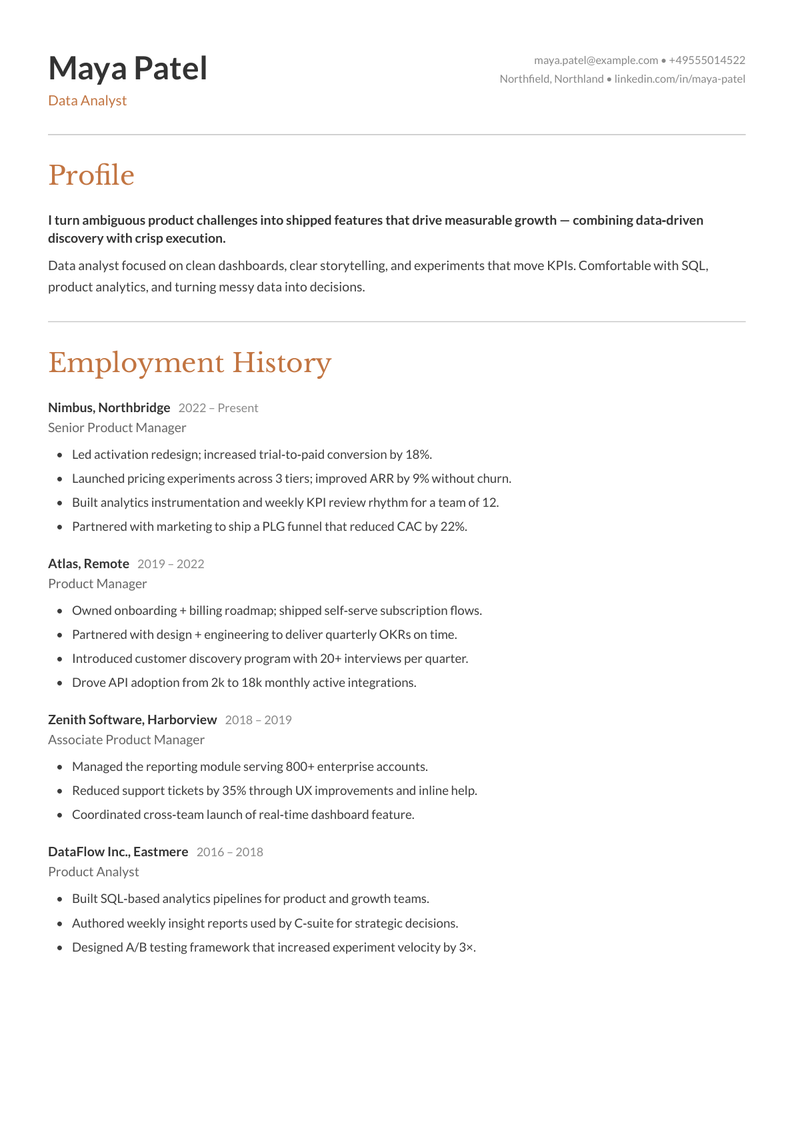
Warm terracotta accent with Libre Baskerville italic section headings, Lato body, single-column with separator lines.
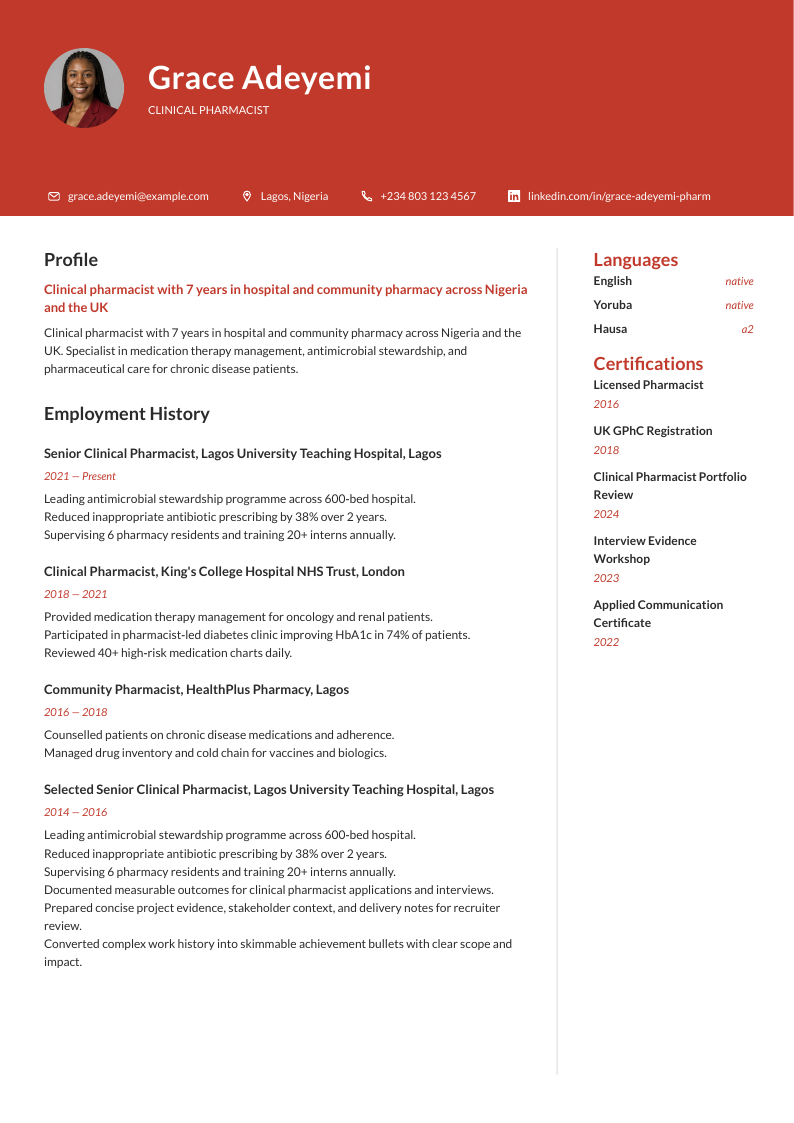
Bold red banner header with Lato sans-serif, circular photo, narrow skills sidebar with dash ratings.
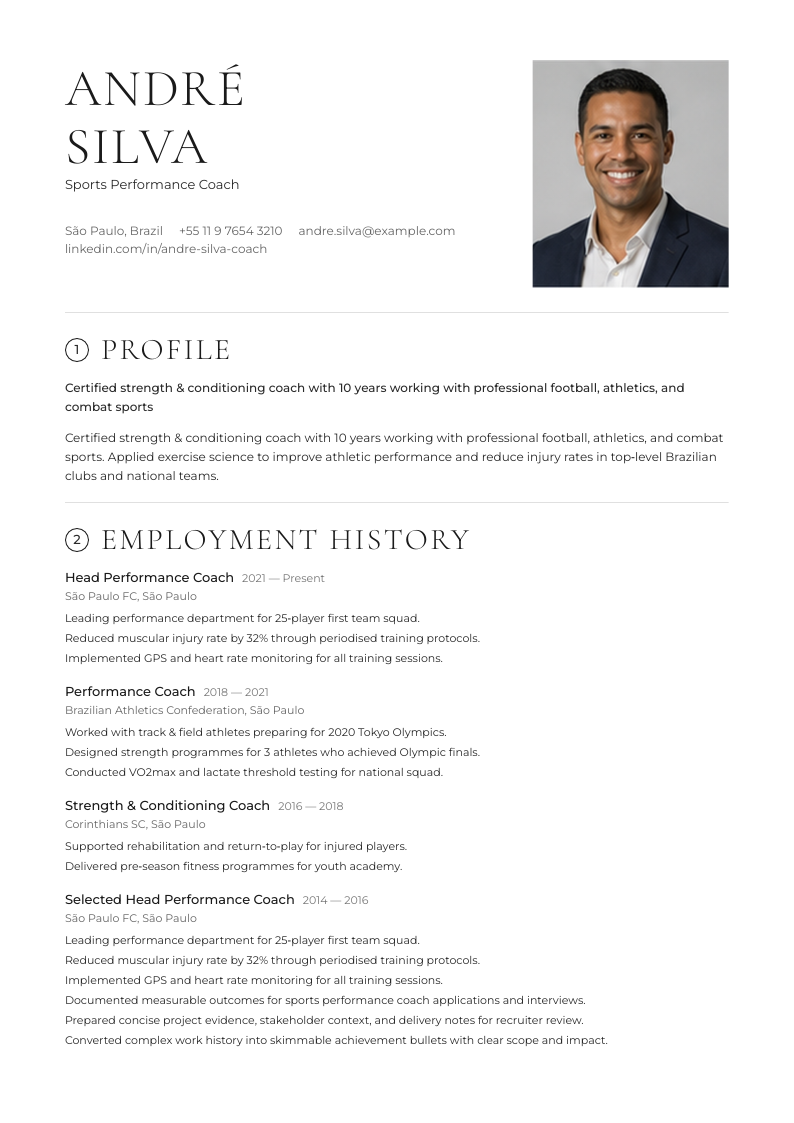
Elegant editorial single-column with Cormorant Garamond headings, circled section numbers, and Montserrat body text.
Classic serif two-column with Cormorant Garamond display, Crimson Text body, crimson accent and photo.
Clean single-column with Source Serif Pro section titles, underlined headings, Inter body, photo header, and warm off-white background.
Classical single-column with Libre Baskerville, grey section bars, diamond ornaments and dotted leader lines.
Fresh sage-green rounded header card with Playfair Display serif headings, Open Sans body, single-column.
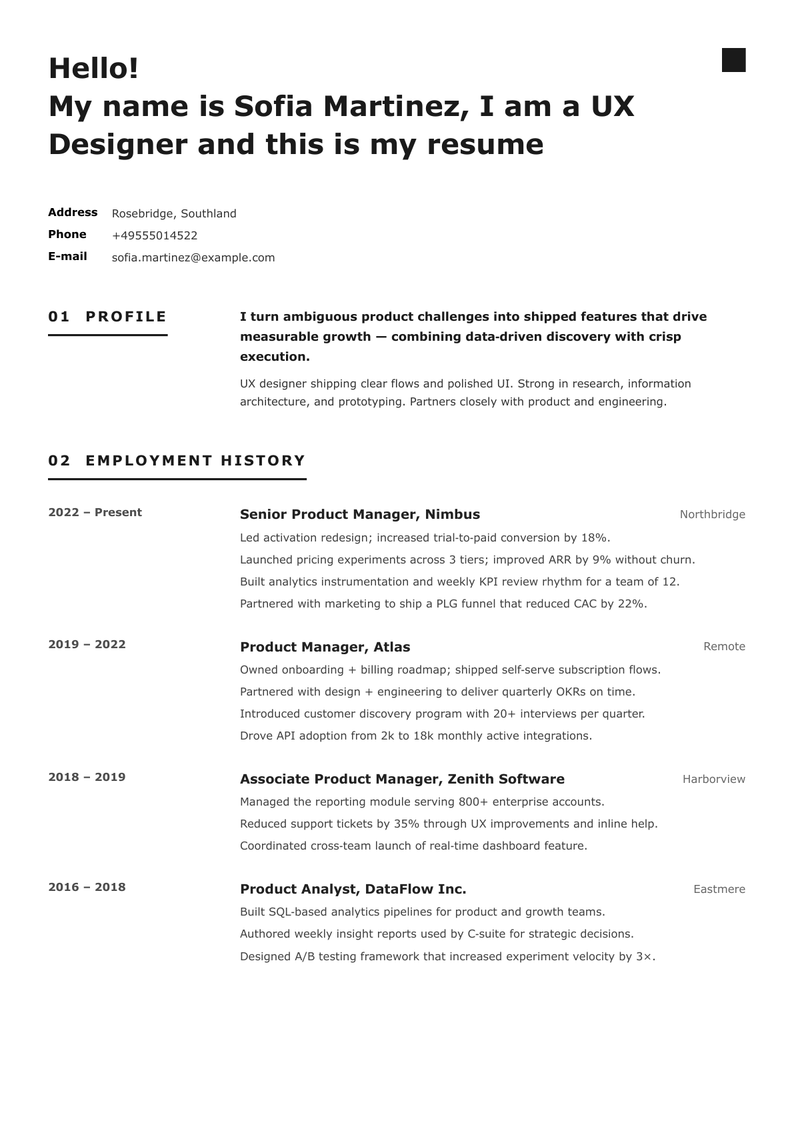
Greeting-style header with Lato ExtraBold, numbered sections with border-bottom, 3-column entry layout.
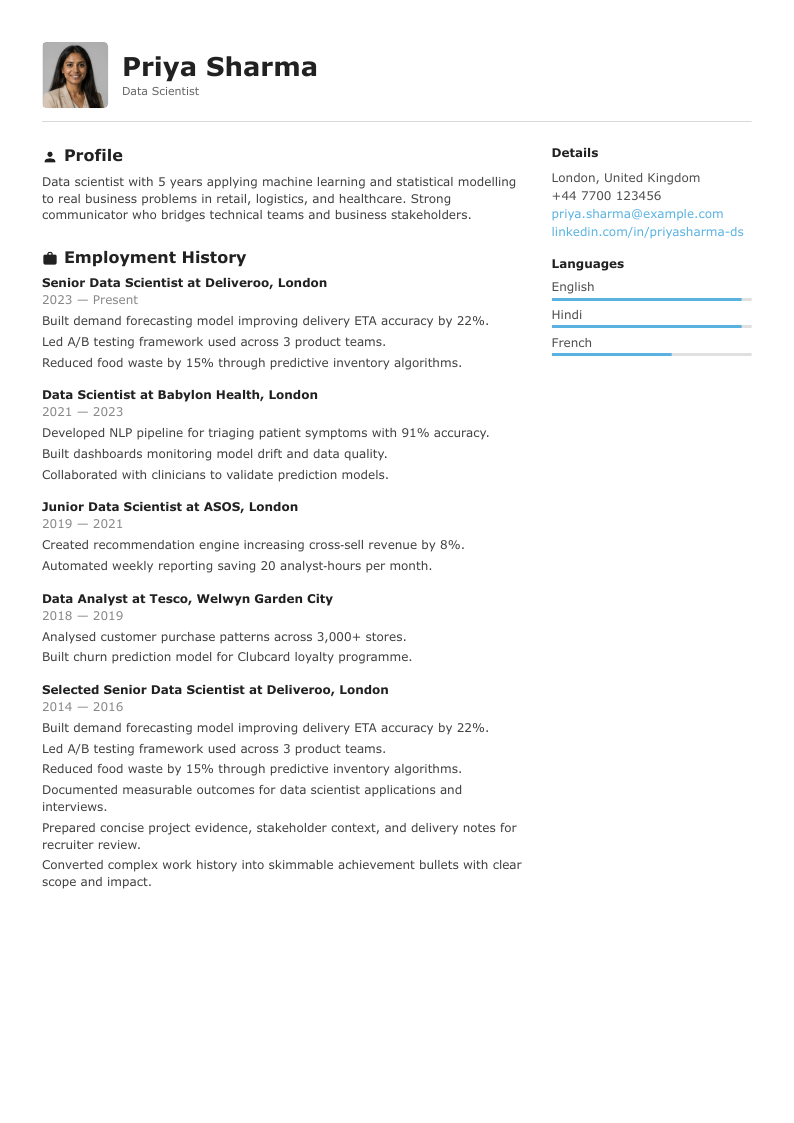
Clean Inter typography with bold filled section icons, photo header with border, sidebar skill bars, blue accent.
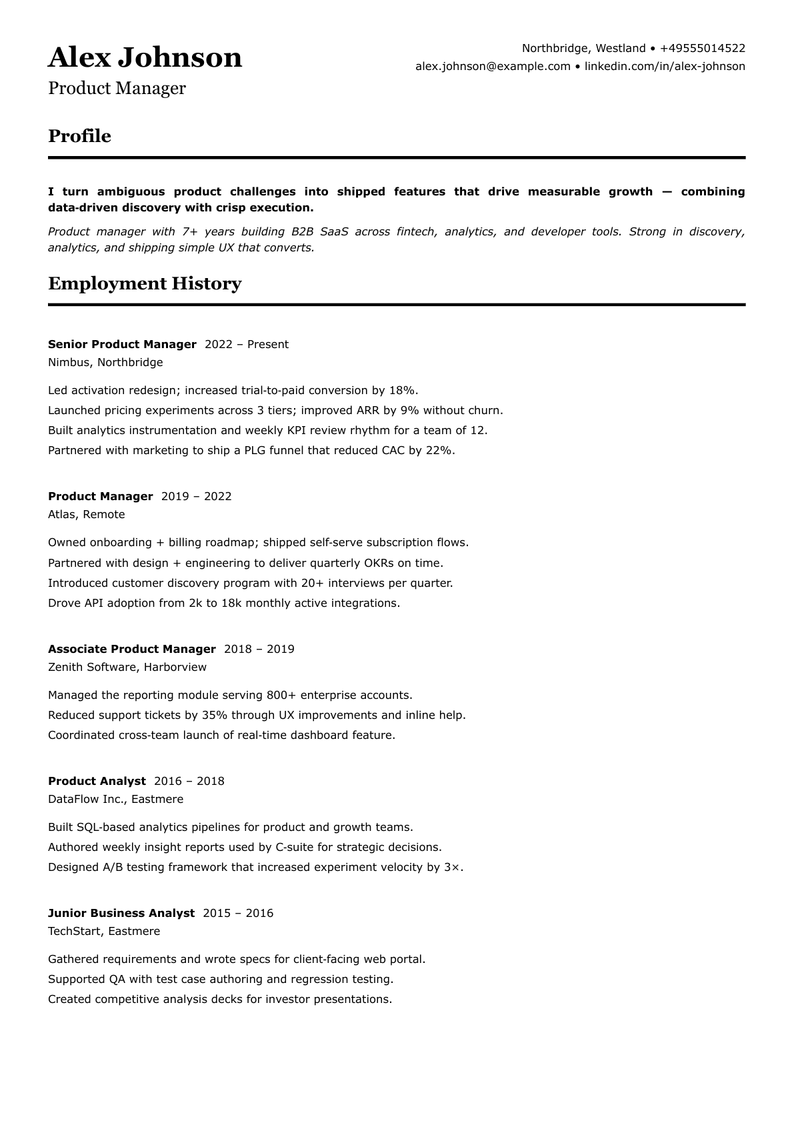
Traditional serif headings with bold underline separators, EB Garamond + Inter, monochrome single-column.
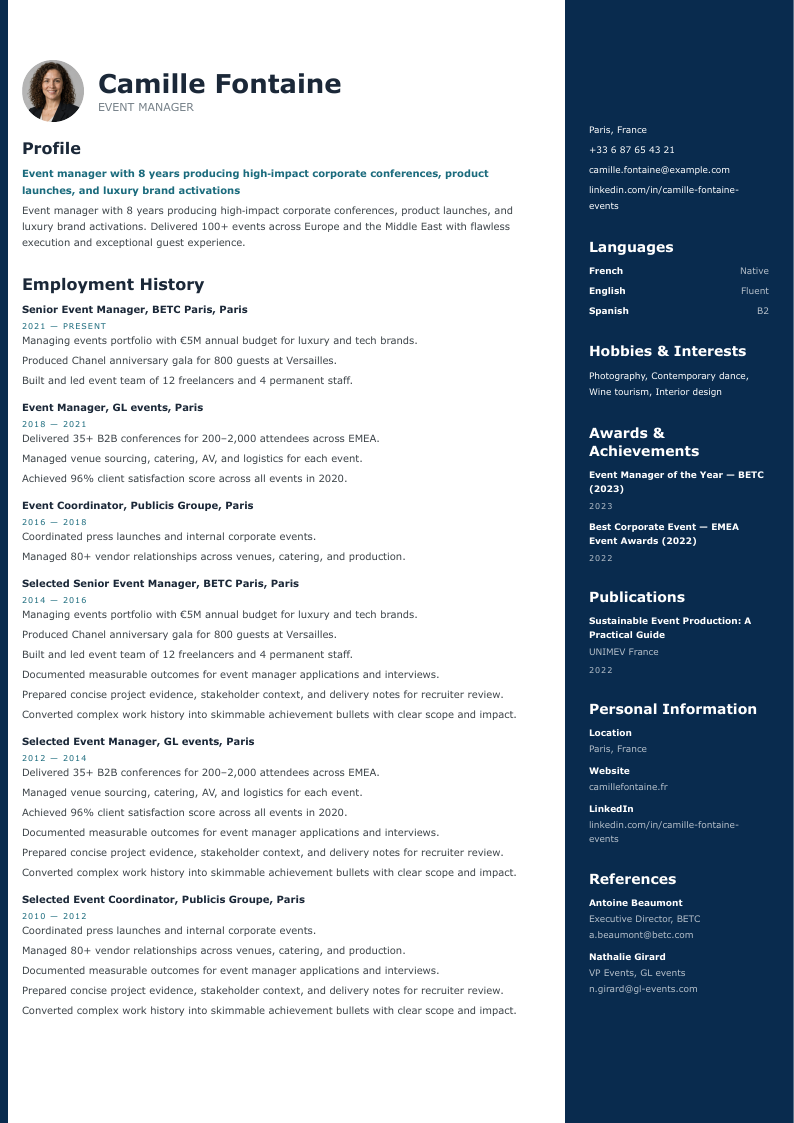
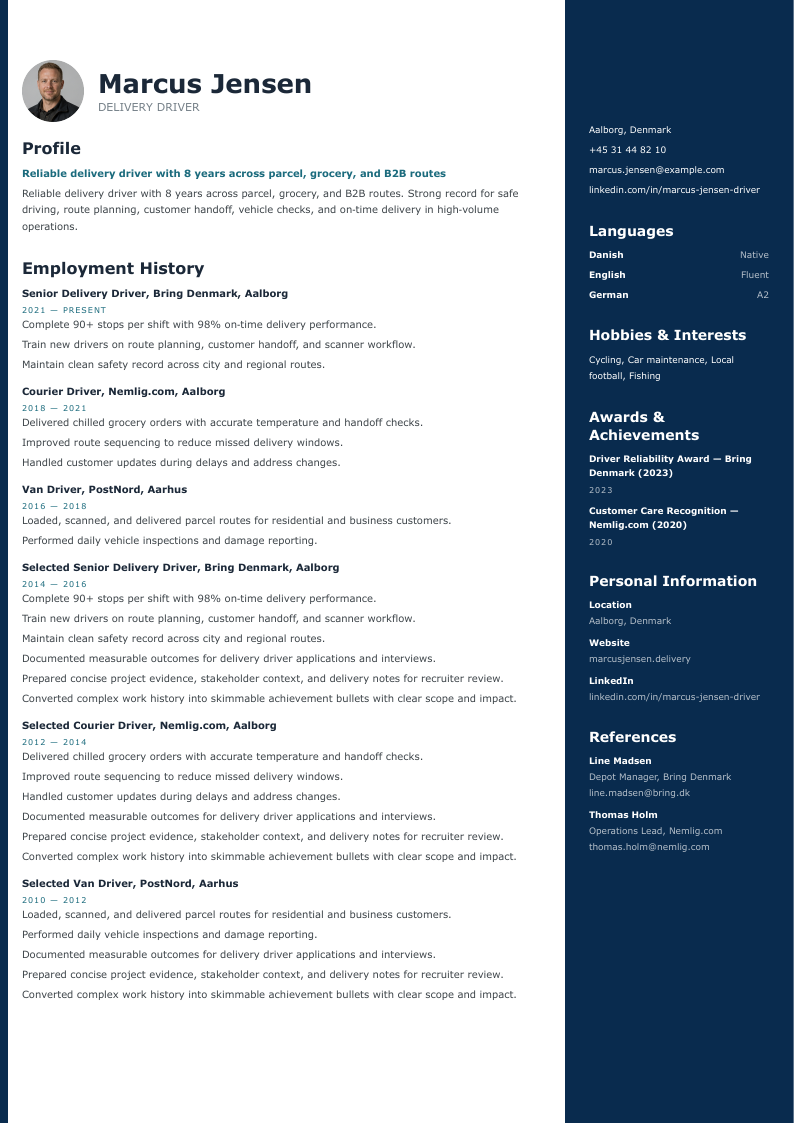
Dark navy sidebar with Lato typography, teal accent bar, skill bars, and circular photo.
Playfair Display serif headings with dark entry bars, grey sidebar boxes, Inter body, photo header.
Mint accent photo header with Lato/Inter typography, left sidebar with progress-bar skills.
Bring existing content into Jobapply and review imported sections before continuing.
See current text beside suggested text, then approve, edit, skip, or regenerate.
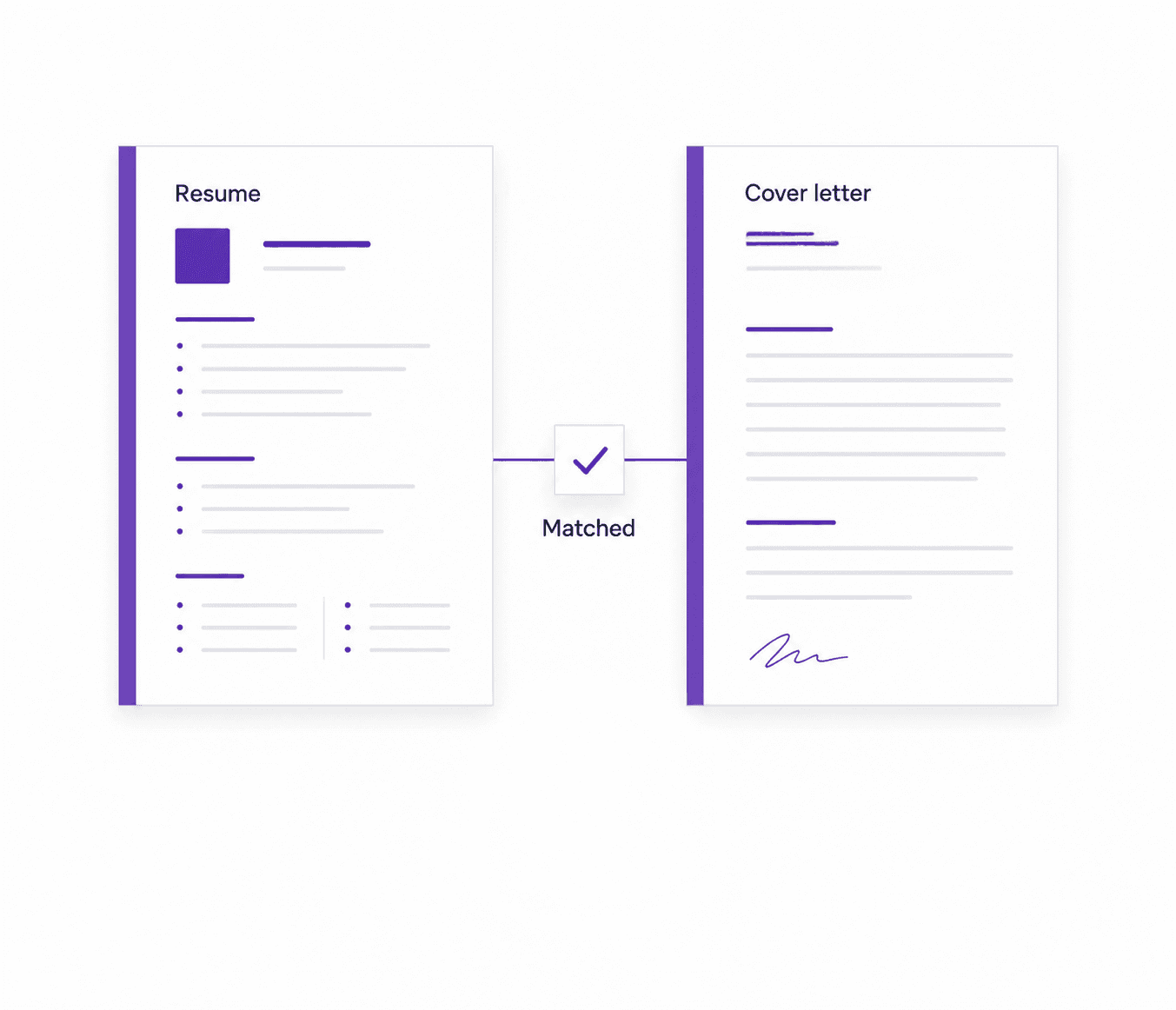
Create cover letters in the same workspace as your resume, with matching export options.
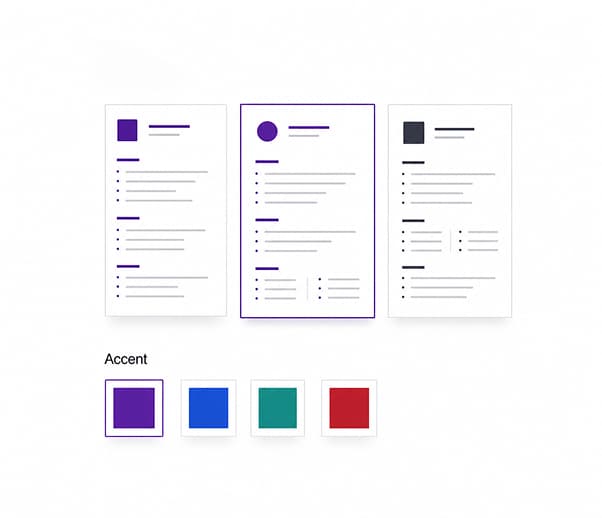
Change template or accent color from the editor without rewriting the resume.
Built for hospital, clinic, and specialist applications with a clear clinical focus.
Structured for design, planning, and project-led architecture roles.
Highlights site delivery, safety standards, and infrastructure outcomes.
Emphasizes route reliability, safety record, and logistics experience.
Common questions answered.
A resume is a targeted marketing document for a specific role, not a full biography. Its job is to prove fit quickly with relevant experience, outcomes, and skills.
In many markets the terms overlap. Most often, resumes are shorter and role-targeted, while CVs are longer and more comprehensive, especially in academic or research contexts.
Start with readability, then style. Cleaner layouts help keep the resume easy to scan and export reliably.
Most resumes focus on the last 10 to 15 years of relevant work. Older experience can be summarized when it still adds context.
ATS-friendly means predictable structure, standard headings, and role-relevant wording that parsing systems can read without losing key details.
On the free plan, you can download a TXT version. On paid plans, you can export PDF and DOCX. PDF is best for visual consistency; DOCX is useful when a role requires editable files.
It depends on urgency and application volume. If you are applying actively, faster tailoring and reliable exports usually save meaningful time per application.
Yes. Tailored resumes are usually more relevant to each role. A good workflow is to duplicate a base version and adjust key sections.
Jobapply.io combines writing guidance, template quality, and application workflow tools so you can move from draft to interview-ready submissions faster.
Start with a readable template, refine the wording, add a matching cover letter, and export clean files.
Create resume